
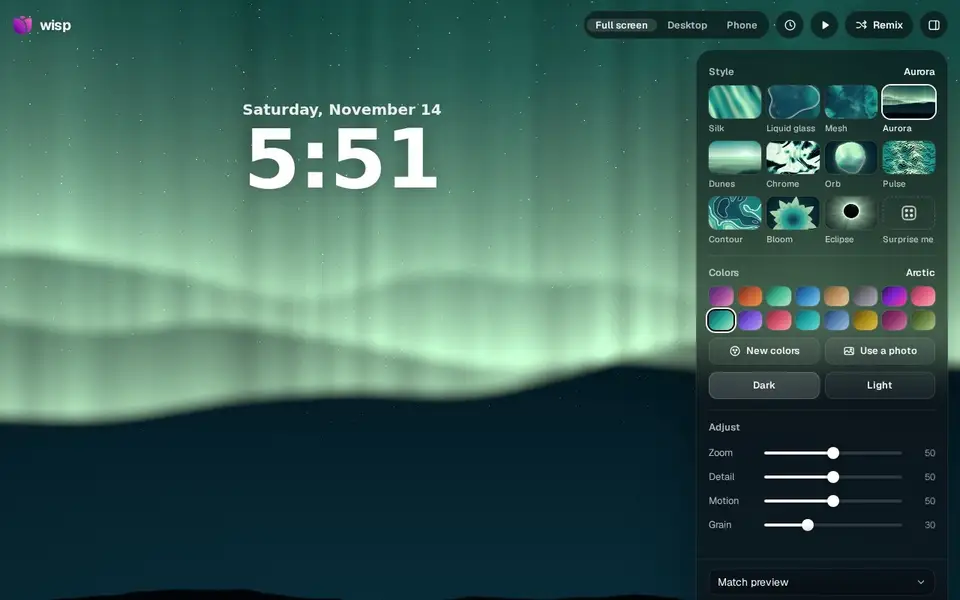
A free browser studio for live wallpapers: pick a style, tune colors and motion, export up to 8K stills or a 12-second video loop. No sign-up.
For Desktop and phone users who want custom moving wallpapers without design tools or an account.
A browser tool that turns static diagrams into looping GIFs, videos and SVGs — trace arrows over any image, no sign-up, everything stays local.
https://diagrampulse.com
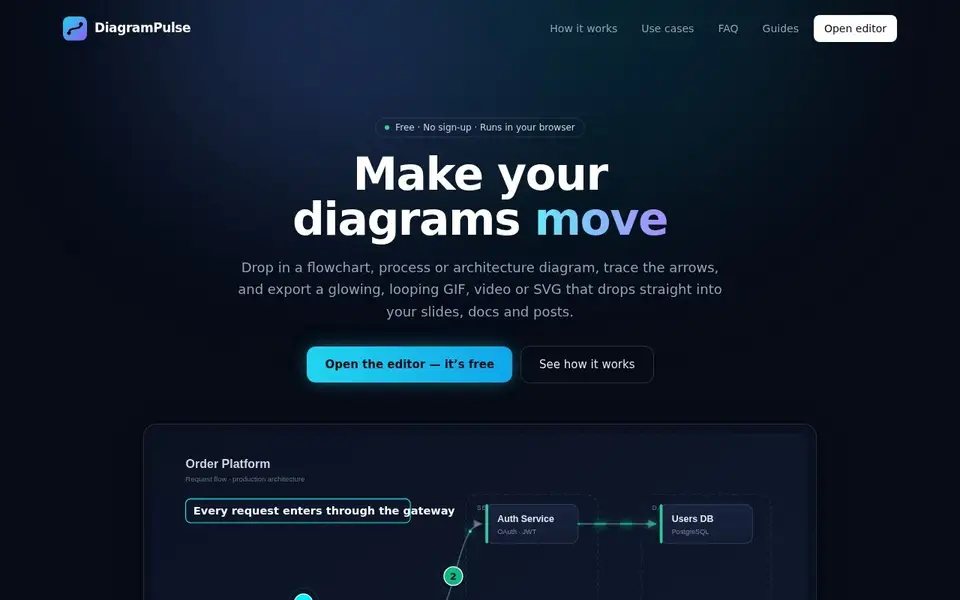
DiagramPulse turns static diagrams into animated ones: load in an image of a flowchart, process or architecture diagram (drag or paste it in — images are never sent to a server), trace arrows over it with straight, curved or elbow lines, add labels, numbered step badges and pulsing highlight boxes, and export a seamlessly looping GIF, a video (WebM or MP4 depending on browser) or an SVG. It also imports Excalidraw files.
There is no sign-up: 'Open the editor — it's free', with six starter templates across education, business and tech, one-click style presets (Neon, subtle, data stream, ping), exports in 16:9, 4:3, 1:1 and 9:16, undo and autosave to browser storage. A Quick Build mode generates an animated diagram from a typed flow chain like 'order -> kafka -> notifications', and the tool reads screenshots as input.
Everything runs in the browser: 'Your images aren't uploaded to a server', the latest diagram is kept in local IndexedDB, and the site carries no accounts and no analytics. Funding is stated as 'DiagramPulse is free to use, and a few small ads pay for hosting' (Google AdSense).
Limits: clearing site data loses the autosaved diagram; video export format depends on the browser; current Chrome, Edge, Firefox and Safari are required. There is no paid tier (the site's structured data prices it at 0 USD); the site does not mention watermarks or export caps.
Teachers and students, product managers and consultants, engineers and technical writers, creators and marketers — 'anyone who explains things' with diagrams.
Free
No account or sign-up; all processing happens in the browser and nothing is uploaded. Works on current Chrome, Edge, Firefox and Safari. Ad-supported (Google AdSense).
Pricing and availability last checked: Nov 11, 2026 · Source: official website
'DiagramPulse has no accounts and does not use analytics.' Latest diagram in browser IndexedDB; no site cookies; Google AdSense may set cookies; Cloudflare keeps technical logs. 'Images, flows and labels are never uploaded anywhere.' Terms: content processed in-browser, the operator never receives a copy. Operator: Rajeev Ranjan, individual, India; references India DPDP Act 2023 and GDPR.
Animating an existing diagram image is a smarter entry point than redrawing, and the no-upload local processing removes the main privacy objection for internal material.
Autosave is local-only, so clearing site data loses work; video export format depends on the browser; ad-supported; no paid tier, and no watermarks or export caps are stated on the site.
A browser tool that turns static diagrams into seamlessly looping animated GIFs, videos and SVGs without an account. Useful for teachers, PMs and engineers whose diagrams deserve more than a flat image.
This is an editorial choice, not an objective ranking or score. Read the issue.
No. All processing happens in your browser and 'Images, flows and labels are never uploaded anywhere'.
Seamless-looping GIF, video (WebM or MP4 depending on browser) and SVG, in 16:9, 4:3, 1:1 and 9:16.
No. Open the editor and use it; the latest diagram autosaves to your browser only.
Answers are editor-written from verified product details; last checked Nov 14, 2026.
A free browser studio for live wallpapers: pick a style, tune colors and motion, export up to 8K stills or a 12-second video loop. No sign-up.
For Desktop and phone users who want custom moving wallpapers without design tools or an account.
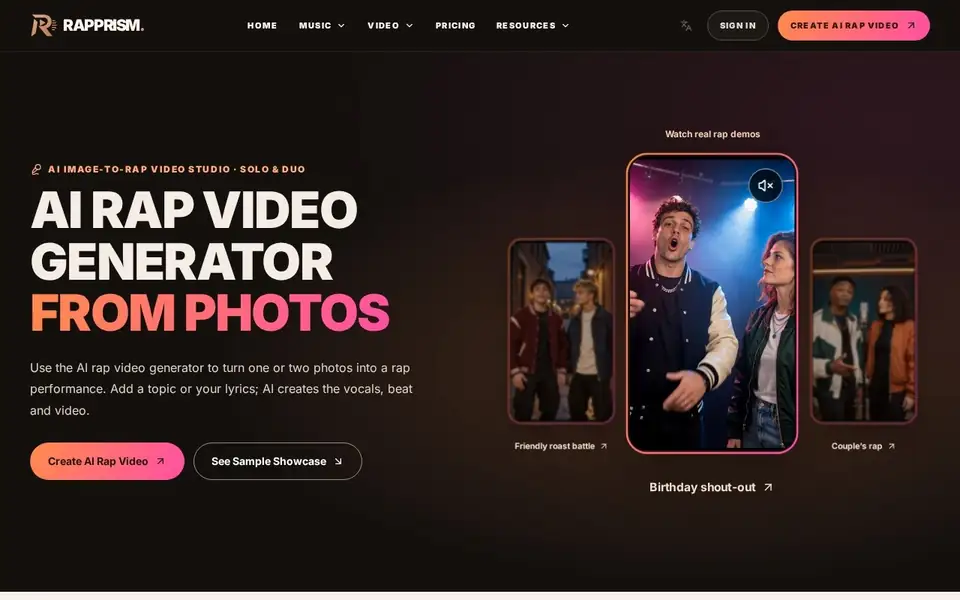
Turns one or two photos into an AI rap performance with vocals, beat and lip-sync, from a topic you name or lyrics you write.
For People making novelty or social video from photos: pet owners, birthday and holiday greetings, couple content and roast or diss clips for friends.
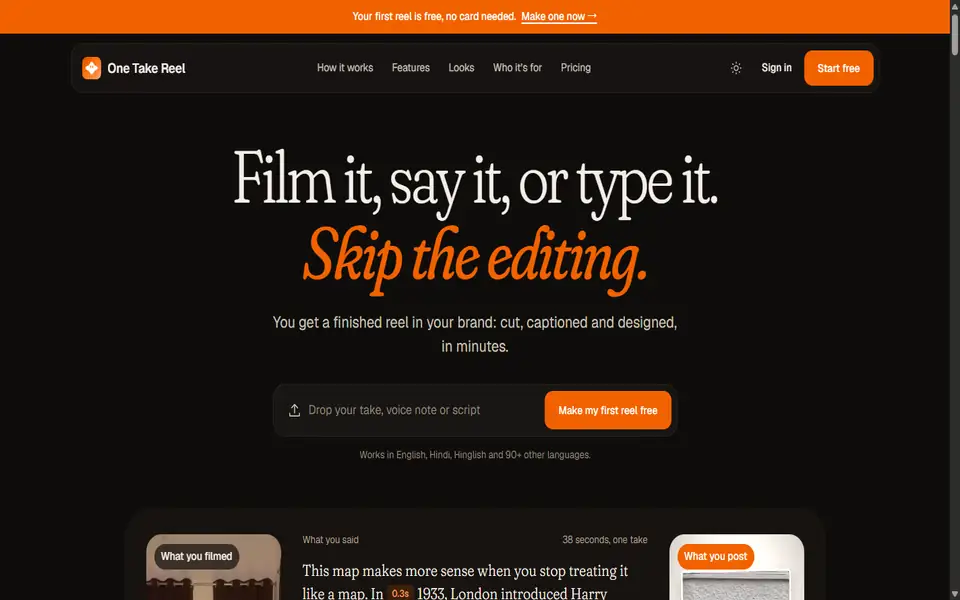
Record one take on your phone and get back a captioned, motion-graphic reel with clean sound, edited for you.
For Experts, founders and educators who record themselves talking and have no editing skill or timeline appetite.
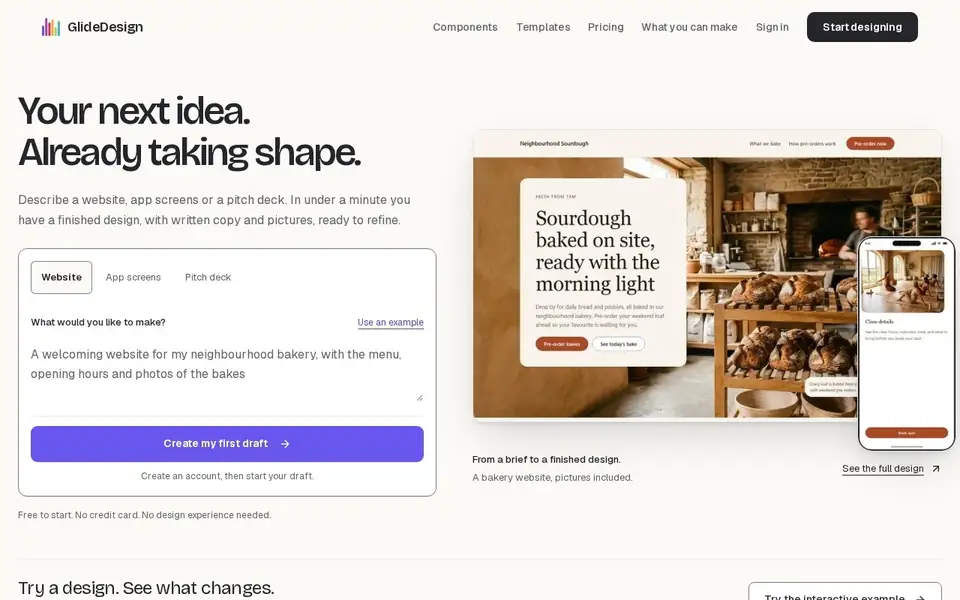
Describe a website, app screens or a pitch deck and get a finished design with real images and written copy in under a minute.
For Founders, solo builders and marketers who need a credible first design before any code is written.