

An independent review publication on Ghost covering tech, automotive, home and finance with product reviews, comparisons and buying guides.
For Everyday consumers researching purchases and following tech and automotive news.
An unofficial Korean guide hub for the Setlog app: download paths, usage steps, notification and camera checks, plus friend and group codes.
https://setloghub.com

SetlogHub is a standalone, self-described unofficial guide site for Setlog, the Korean daily-log app, written for people who arrive with a specific task rather than an interest in the app's marketing. Its own copy states it is independently operated and not affiliated with Setlog.
The homepage routes by purpose: people who want to install go to a download path, first-time users go to a usage guide, people with a symptom go to a settings check, and people who want to record together go to friend and group finding. Guide entries cover account and login steps, changing a signup or personal name, renaming a group, adding friends, turning notifications off, confirming an update, what Setlog means, and the difference between Setlog and Setlog Zip. Symptom pages exist for cases like no sound, a camera that will not work, and notification settings on Galaxy devices.
Alongside the guides it hosts free browser tools for media already saved from Setlog: stitching stored clips into one video and adding music, making a video from photos, and combining photos and videos. The site states these run inside the browser and that files are not uploaded. Content is offered in ten languages, including Korean, English, Japanese, Traditional Chinese, Russian, Spanish, Portuguese, Persian, Vietnamese and Thai.
The site is free and carries advertising. Because it documents a third-party app that changes on its own release schedule, its steps can go stale when Setlog updates; the hub positions itself as a guide, not the app's official support channel.
Korean Setlog users, and readers in other languages, who need one specific task done: installing the app, fixing notifications or camera, or finding friends and groups to record with.
Free
Free to read with no account; advertising supported. The browser media tools run locally in the page and state that files are not uploaded.
Pricing and availability last checked: Nov 2, 2026 · Source: official website
A privacy policy and terms of service are linked from the site. The tool pages state media processing happens in the browser and files are not uploaded.
It answers the task a stranded user actually has, and it says plainly that it is unofficial instead of imitating first-party support.
Unofficial and not affiliated with Setlog, so it cannot fix the app or speak for it; guidance can go stale when Setlog updates; the Zip tools only work on media already saved from the app.
An unofficial guide to Setlog — how to download it and how to use it — written around Samsung and Galaxy handsets. It is not the app itself.
No. The site labels itself unofficial, so treat it as a how-to guide rather than support from the app's developer.
Ten, including Korean plus English, Japanese, Traditional Chinese, Russian, Spanish, Portuguese, Persian, Vietnamese and Thai.
Answers are editor-written from verified product details; last checked Nov 6, 2026.
An independent review publication on Ghost covering tech, automotive, home and finance with product reviews, comparisons and buying guides.
For Everyday consumers researching purchases and following tech and automotive news.
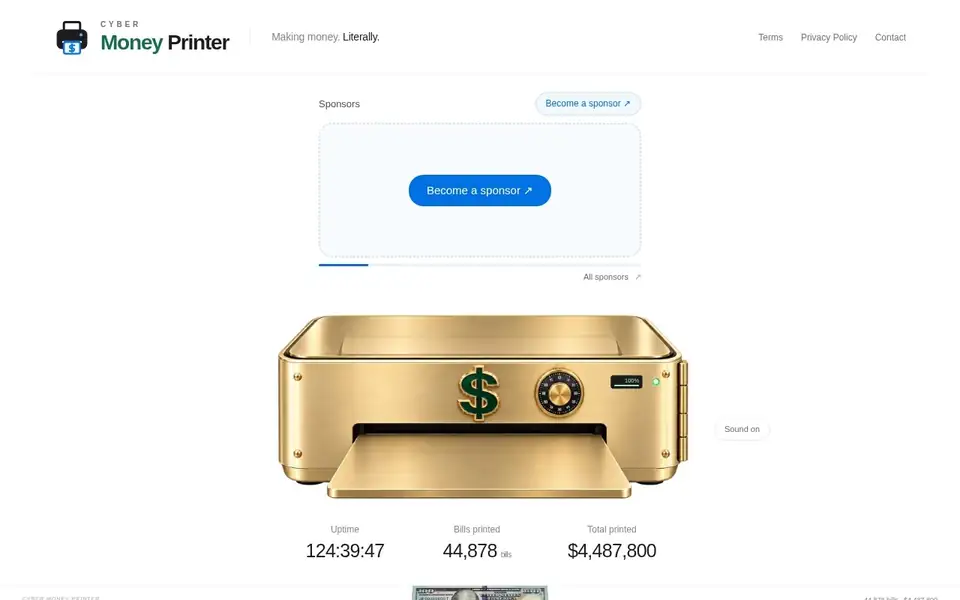
A running money-printer page with live uptime and bill counters, selling one rotating sponsor brand slot for a $1,000 one-time payment.
For Brands willing to pay for novelty placement and association with a running gag site rather than for measured traffic.
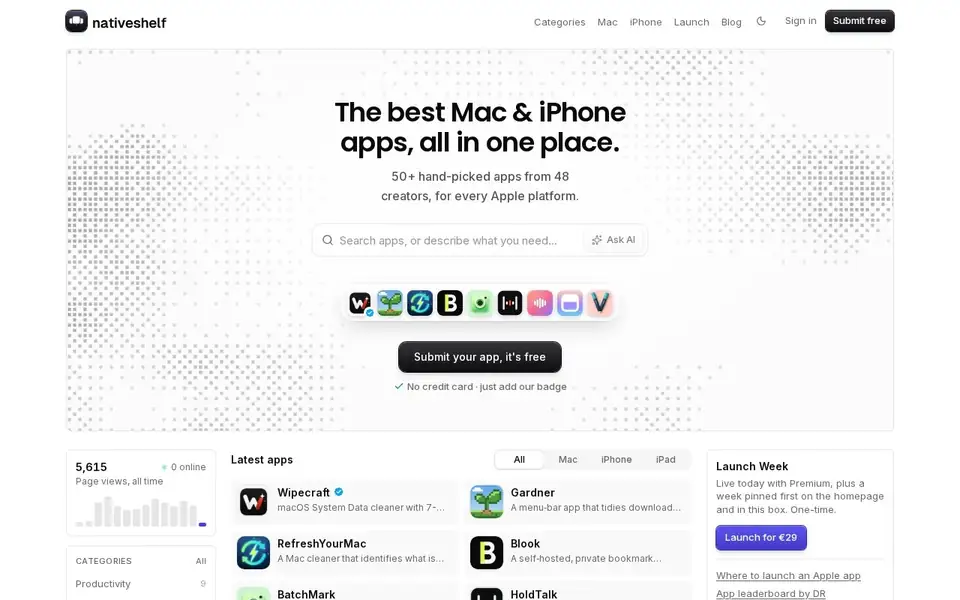
A curated directory of hand-picked indie macOS and iOS apps, with free listing for creators.
For Apple-platform users hunting for indie apps, and indie Mac/iOS developers who want a free listing.
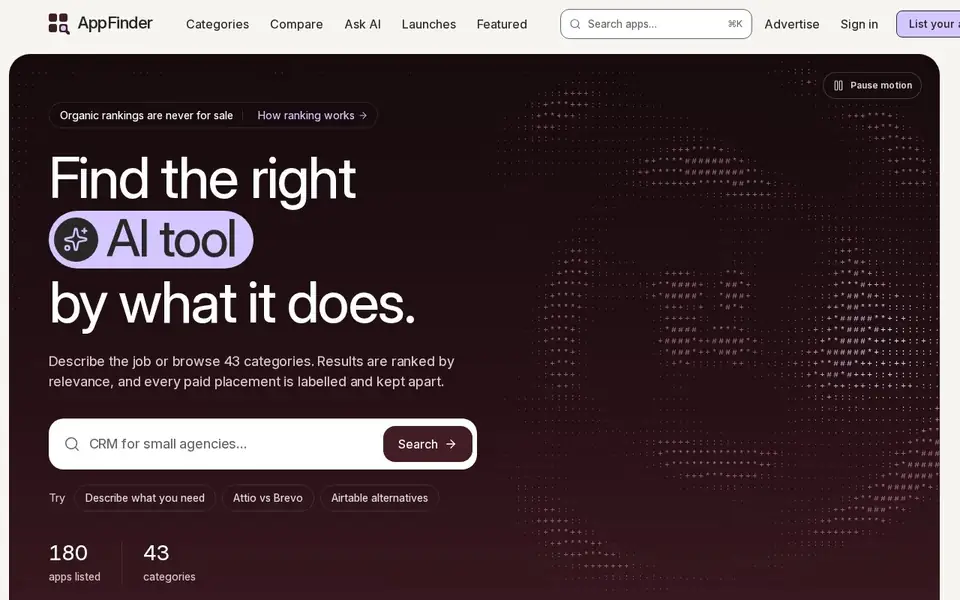
A software directory to browse, compare and pick apps by what they do — with organic rankings that are never paid.
For People choosing software who want an unbiased, comparison-first view, and app makers who want a listed or boosted spot.