
Syncs your whole X bookmark history into a searchable workspace with AI folders, an offline archive and export.
A native Mac window manager that groups every window under a project and switches the whole screen with one keystroke.
https://backdrop-app.com
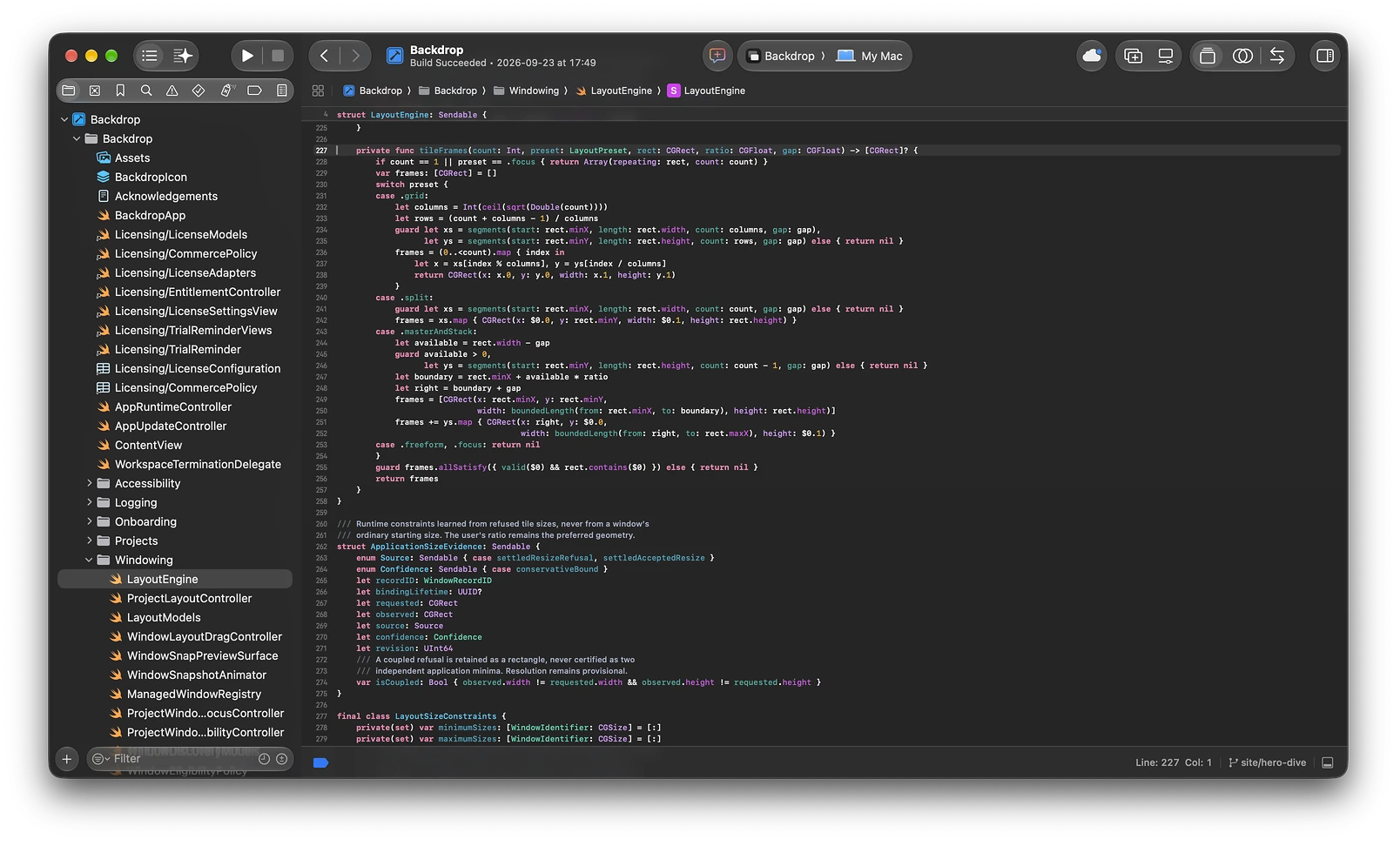
Backdrop organizes the Mac by project rather than by window. Every window is assigned to a project — School, Development, Personal in the demo — and switching to one shows only the windows that belong to it, reached from the board or by pressing 1, 2 or 3.
Each project gets its own layout from five options. Main and stack gives the primary window sixty percent of the screen and stacks the rest beside it; there is also side by side, grid, focus, and a keep-my-layout mode that leaves your arrangement alone. A pause control stops the rearranging when you want to work free for a while.
A notchboard adds a second surface for the always-open things. The app is native, sold with a free trial you can download before paying, and the site is explicit about the commercial terms — license terms, a purchase recovery route, a refunds page and a contract withdrawal option, alongside support and privacy pages.
Mac users who juggle several unrelated work contexts in one day and lose time hunting windows.
Separating work, study and personal windows into switchable sets; giving each project its own window layout; clearing a cluttered screen without closing anything; restoring a project setup with a single keystroke.
Freemium
| Plan | Price | Billing | Notes |
|---|---|---|---|
| Launch | $9.90 | one-time | Intro price; rises to $14.90 after launch |
| Standard | $14.90 | one-time | — |
Plan details are shown as published; taxes and regional pricing may differ.
A free trial can be downloaded before purchase; the paid license terms, refund policy and a contract withdrawal route are published on the site, with purchase recovery available.
Pricing and availability last checked: Oct 24, 2026 · Source: official website
Layouts are per project rather than global, so a context switch restores the arrangement that suits that work.
Mac only, and the trial is the entry point — the license itself is paid.
Syncs your whole X bookmark history into a searchable workspace with AI folders, an offline archive and export.
A developing Mac ecosystem where living spaces, ambient sound, focus tools, system care and tiny utilities share one world.
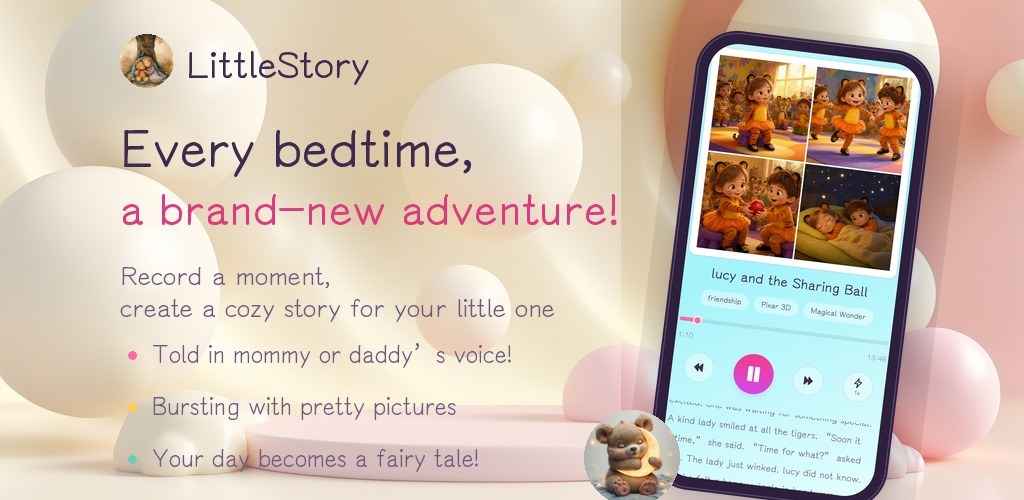
An indie Android studio publishing three local-first apps: FocusBottle, LittleStory and PocketBill.

A desktop Chrome extension that controls YouTube captions automatically and detects burned-in subtitles to avoid duplicates.