

Syncs your whole X bookmark history into a searchable workspace with AI folders, an offline archive and export.
A desktop Chrome extension that controls YouTube captions automatically and detects burned-in subtitles to avoid duplicates.
https://subtitle.im

Showing the product's mark because a screenshot isn't available yet. Own this product? Suggest a screenshot.
subtitle.im solves a narrow but constant problem for people who watch YouTube with captions. It manages the existing caption track in desktop Chrome — follow YouTube's own choice, auto-open captions, or auto-close them — so you are not clicking CC on every video.
The second half is the part other extensions skip: it detects burned-in subtitles locally, and when the hardcoded subtitles and YouTube's caption track are in different languages you choose what happens — close the duplicates automatically, be asked first, or keep the captions. A manual CC/C press always wins for that viewing, and the site is explicit that burned-in text itself remains on screen because it is part of the video.
Preferences apply in a hierarchy from a global default down through a channel rule to a single video rule, with channel and video rules reserved for the paid tier, and confirmed closes remembered. The site states that caption handling happens locally so you can watch with confidence, publishes an installation guide, a help center and a blog, offers eight interface languages, and provides a license page with a refund policy.
People who watch YouTube with captions on desktop Chrome, including viewers of foreign-language video with hardcoded subtitles.
Keeping captions on for every video without pressing CC; avoiding a duplicate caption track over burned-in subtitles; handling a foreign burned-in subtitle and an English caption track at once; setting a per-channel caption rule.
Freemium
| Plan | Price | Billing | Notes |
|---|---|---|---|
| Free | $0 | free | — |
| Pro | $17.99 | per year | Annual subscription |
| Pro Lifetime | $29.99 | one-time | — |
Plan details are shown as published; taxes and regional pricing may differ.
Installed into desktop Chrome, with an installation guide linked from the site. Channel and video-level rules are marked as requiring Pro; the site lists plans, a license page and a refund policy.
Pricing and availability last checked: Oct 24, 2026 · Source: official website
The site states that captions are handled locally, so subtitle detection runs on your machine rather than being uploaded.
Burned-in subtitle detection with a language-mismatch rule is a specific problem nobody else handles, and local processing keeps it private.
Desktop Chrome only, and per-channel or per-video rules need the paid tier.
Syncs your whole X bookmark history into a searchable workspace with AI folders, an offline archive and export.
A developing Mac ecosystem where living spaces, ambient sound, focus tools, system care and tiny utilities share one world.
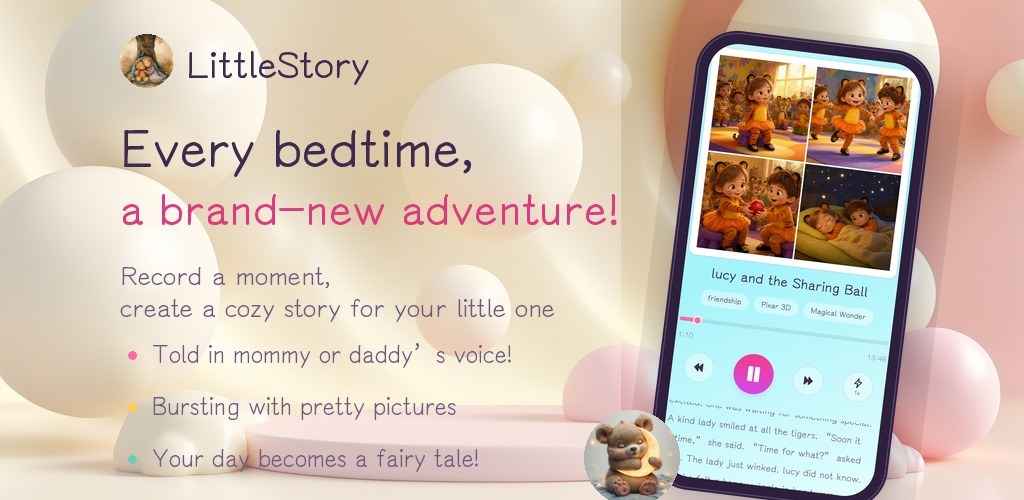
An indie Android studio publishing three local-first apps: FocusBottle, LittleStory and PocketBill.
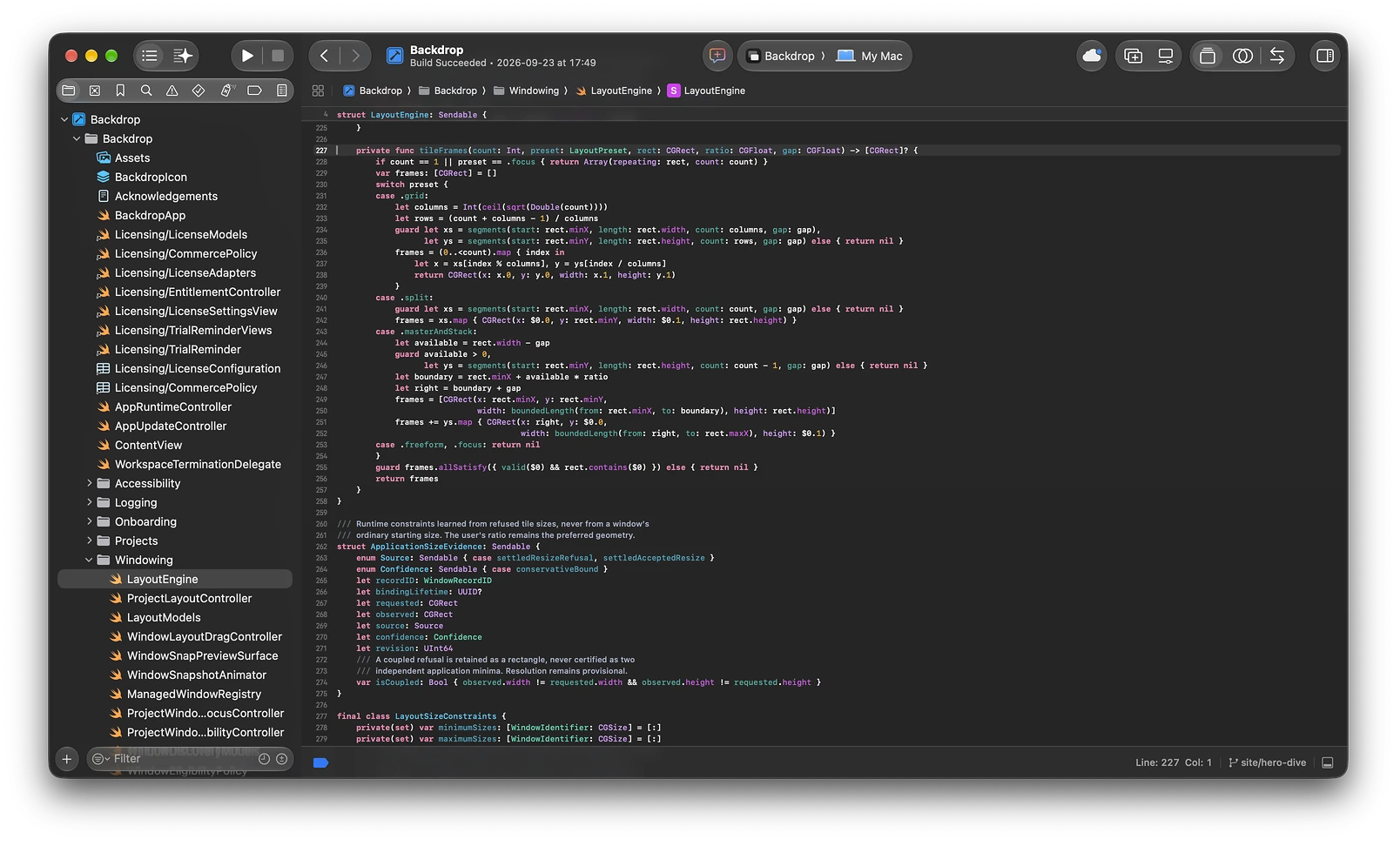
A native Mac window manager that groups every window under a project and switches the whole screen with one keystroke.