
Syncs your whole X bookmark history into a searchable workspace with AI folders, an offline archive and export.
A Chromium browser extension for annotating and blurring a page before you screenshot or screen-share it.
https://highshot.site

Showing the product's mark because a screenshot isn't available yet. Own this product? Suggest a screenshot.
HighShot puts a small drawing toolkit inside the browser so that sensitive information is covered before a capture is ever taken. You mark up the live page — highlighter and freehand pen, rectangles, ellipses, stars, lines and arrows, emoji stamps you resize by dragging — and then capture the shot with the markup already in place, instead of redacting afterwards in an image editor.
The privacy blur tool is aimed at the common case of exposing an email address, a name or a secret in a screenshot or a screen share. An Interact mode lets you click buttons and follow links while the markup stays on the page, and annotations remain anchored as you scroll and survive a refresh, so feedback can be left in place rather than rewritten in a separate note.
It works on Chrome, Edge, Brave, Opera and other Chromium browsers, with an installable demo page, an installation guide, and linked privacy and terms pages.
People who share screenshots of live web apps — product, design, QA and support teams — and need to redact or annotate before publishing.
Blurring emails, names and secrets before a screenshot or screen share; marking up a page to give in-context feedback; capturing annotated UI for bug reports and docs.
Not verified
Installed from the Chromium Web Store via an "Install for Chromium" button; the site also offers an in-browser demo that needs no installation. No pricing is published on the homepage.
Pricing and availability last checked: Oct 24, 2026 · Source: official website
Redaction happens before the capture rather than after, and the demo lets you evaluate the tooling without installing anything.
Chromium browsers only — the site lists Chrome, Edge, Brave and Opera, with no Firefox or Safari build.
Syncs your whole X bookmark history into a searchable workspace with AI folders, an offline archive and export.
A developing Mac ecosystem where living spaces, ambient sound, focus tools, system care and tiny utilities share one world.
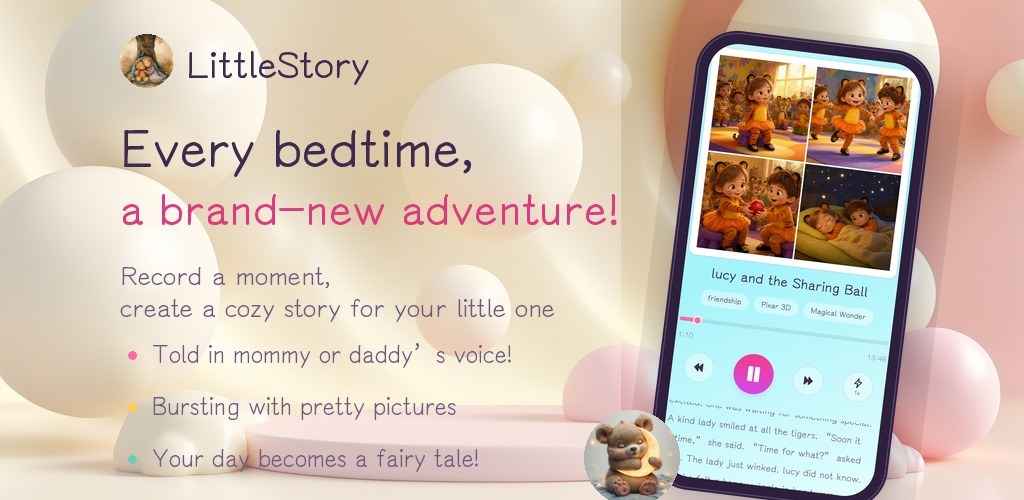
An indie Android studio publishing three local-first apps: FocusBottle, LittleStory and PocketBill.

A desktop Chrome extension that controls YouTube captions automatically and detects burned-in subtitles to avoid duplicates.