
Record one take on your phone and get back a captioned, motion-graphic reel with clean sound, edited for you.
A screen recorder that edits your product walkthrough itself, adding zooms, cursor polish, sounds and backgrounds.
https://iloveframes.app

Showing the product's mark because a screenshot isn't available yet. Own this product? Suggest a screenshot.
iloveframes exists to make a product walkthrough look edited without an editing session. You hit record, talk through the product, and the app does the rest: it watches where you click and type, eases the camera in on exactly that spot and pulls back out when you move on, so no keyframing is needed. Zooms can follow the cursor or lock to a fixed point, and can still be dragged, stretched or added on the timeline afterwards.
The polish layer is sound and framing. Hand-tuned click, keyboard and zoom sounds are generated from what you actually recorded, with your own music or voice-over droppable onto the timeline and optional mic noise suppression. A webcam appears as a soft bubble in the corner you choose and shrinks politely while the camera zooms, so it never covers the thing being shown, alongside a cinematic cursor and finished backgrounds.
It is a desktop app for Windows 10 and 11 and macOS on both Apple Silicon and Intel, offered as a lifetime purchase rather than a subscription, with a 24-hour free trial.
Founders, product marketers and educators who record product walkthroughs and demos and do not want to open a video editor afterwards.
Recording a product tour in one take and exporting it polished; adding readable zooms to a UI demo; turning a screen recording into launch or social content; narrating a walkthrough with a webcam bubble.
One-time purchase
| Plan | Price | Billing | Notes |
|---|---|---|---|
| Early-bird lifetime | $7.99 | one-time | First 20 buyers, then $19.99 |
| Lifetime | $39.99 | one-time | Regular price |
Plan details are shown as published; taxes and regional pricing may differ.
A 24-hour free trial is offered, after which access is a lifetime license bought once — the homepage shows $39.99 discounted to $7.99 for the first 20 early-bird buyers. No subscription is required.
Pricing and availability last checked: Oct 24, 2026 · Source: official website
The product's own site does not publish a privacy policy or data-handling notes as of this review. That is an unknown, not a claim that no data is collected — check the site before you share personal data.
The edit is automatic but still editable afterwards on a timeline, which keeps it usable when the auto-zoom misses the moment you wanted.
Lifetime pricing is currently an early-bird promotion with a stated number of remaining spots, so the headline price is temporary.
Turns screen recordings into polished product demos with smart zooms and cursor effects. Useful for indie makers creating product walkthroughs and tutorials.
This is an editorial choice, not an objective ranking or score. Read the issue.
Record one take on your phone and get back a captioned, motion-graphic reel with clean sound, edited for you.

Describe a website, app screens or a pitch deck and get a finished design with real images and written copy in under a minute.
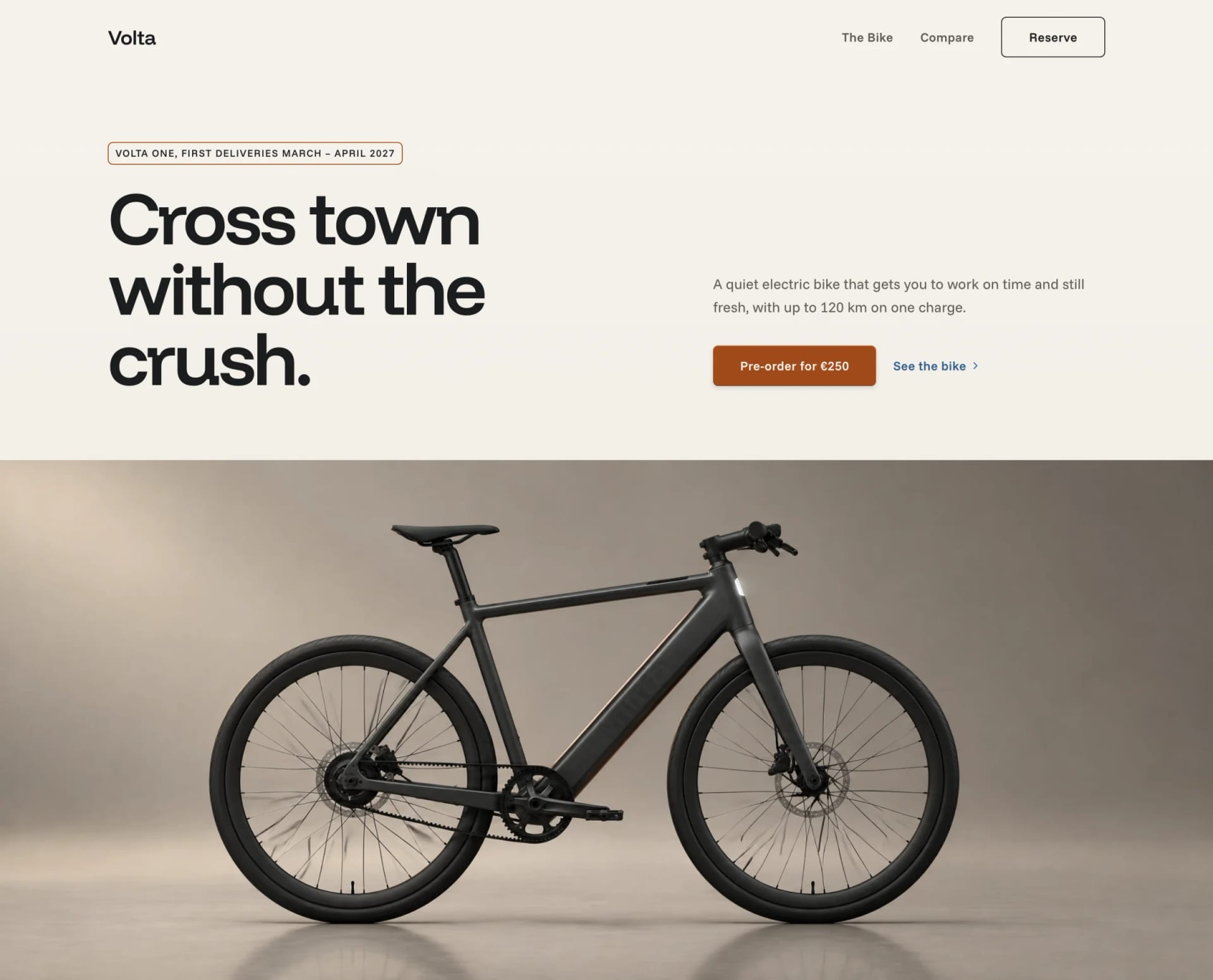
An AI UI design tool that turns one sentence about an app idea into a blueprint, design system, wireframes, screens and a logo.

An AI image workspace where 22 of 31 tools — compress, resize, convert, PDF and scanning — run entirely in your browser.