
Syncs your whole X bookmark history into a searchable workspace with AI folders, an offline archive and export.
A home for the HTML your AI tools generate — decks, dashboards, reports and invites — kept next to your docs and shared by link.
https://nos-workspace.com
Showing the product's mark because a screenshot isn't available yet. Own this product? Suggest a screenshot.
NOS starts from a change in how documents get made: decks, dashboards, reports and invites are HTML now, and the file usually lives on one screen only. NOS keeps that output in a workspace beside your ordinary docs, so a pasted or dropped .html file becomes something you can open, edit and send rather than a stray file in a downloads folder.
Editing happens on the page. You click any text and change it — the edit is written back into the source HTML — with no code to open and no need to ask an AI again just to fix a typo. Docs and HTML sit side by side in the same editor: type / to insert tables, lists or an HTML block, and the team library shows who else is viewing. Sharing produces one link that the recipient can open without an account.
Input is flexible: write, paste HTML, or drop a file, and an .html file keeps its own images and scripts working. The interface is bilingual Korean and English, with a gallery of sample decks, dashboards and reports to start from. Connecting your own AI is marked coming soon, as is the MCP connection that would make "save this to NOS" a one-line command from tools like Claude, ChatGPT or Cursor.
People whose AI tools now produce HTML decks, dashboards and reports and who need somewhere to keep, edit and send them.
Turning a pasted HTML dashboard into a shareable workspace page; fixing a word on an HTML report without opening a code editor; sending a generated deck or invite as one link; keeping HTML output next to ordinary docs in one library.
Freemium
Individual plan prices are not publicly listed. Check the official site for current pricing.
Free to try — pasting, editing and previewing work without an account, and a free sign-up is needed to store the page and get a share link. Paid plans are listed on the pricing page.
Pricing and availability last checked: Oct 24, 2026 · Source: official website
Editing on the rendered page with the change written back to the HTML is the step that makes AI-generated output maintainable, and recipients never need an account.
AI connection and MCP saving are announced but not shipped, and the product is presented in Korean and English only.
Syncs your whole X bookmark history into a searchable workspace with AI folders, an offline archive and export.
A developing Mac ecosystem where living spaces, ambient sound, focus tools, system care and tiny utilities share one world.
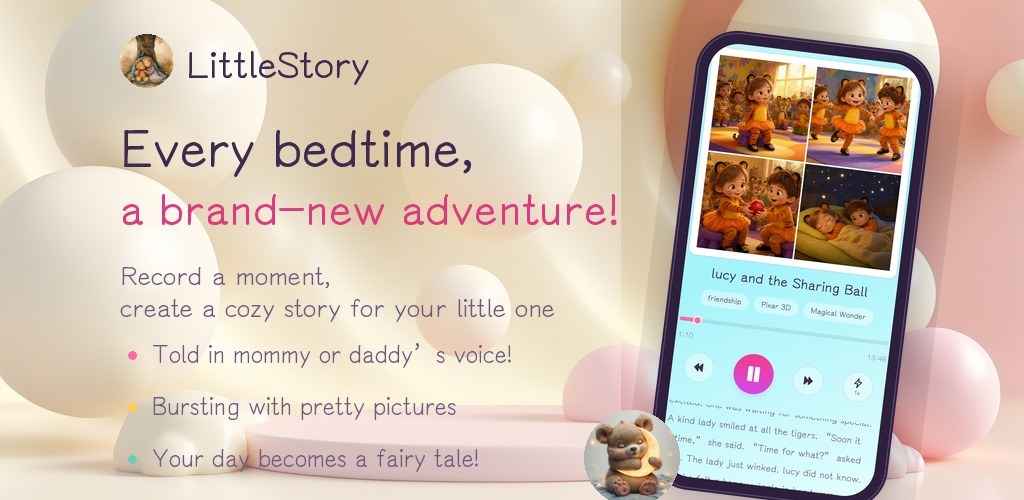
An indie Android studio publishing three local-first apps: FocusBottle, LittleStory and PocketBill.

A desktop Chrome extension that controls YouTube captions automatically and detects burned-in subtitles to avoid duplicates.