Toki

An AI executive assistant that reaches out to coordinate meetings, architects your daily schedule, and prioritises urgent tasks and deadlines.

Visit Official Website

https://toki.com

Toki coordinating meetings and planning the day in its app interface
View full size

What It Does

Toki is positioned as an AI executive assistant. Rather than only holding your calendar, it reaches out to attendees to find a time that works for everyone (with Calendly-style scheduling links), proactively architects your day around deep work versus urgent demands, and captures requests from voice notes, screenshots, texts or half-formed instructions. It keeps a personal memory of how you work and can run 'triggers' that watch a price, deadline or release date for you. Toki is an established product rather than a new launch: the site claims 5M+ users and a 4.8 app rating, and lists coverage in Forbes, The Verge, The Guardian, Nikkei and others. It works across calendars, has a web app and mobile downloads, and supports several languages. Pricing is tiered with a Free plan and paid plans (roughly $9.99 and $19.99 per month on the pricing page, with a yearly option that saves about 30% and a trial).

Key Features

  • Proactive meeting coordination and scheduling links
  • Daily schedule architecture balancing deep work and urgent demands
  • Natural input via voice notes, screenshots and text
  • Personal memory of preferences and working style
  • Multi-calendar sync, to-dos and triggers
  • Web app plus mobile downloads

Who It Is For

Busy professionals and founders whose main constraint is a crowded calendar and meeting coordination.

Key Use Cases

Coordinating a meeting across several people's availability without back-and-forth; planning a day around deep work and urgent tasks; capturing tasks from a voice note or screenshot; watching a deadline or price via triggers.

Pricing and Access

Pricing

Freemium

Individual plan prices are not publicly listed. Check the official site for current pricing.

Access

A Free plan plus paid tiers shown on the pricing page (around $9.99 and $19.99 per month), with a yearly option that saves about 30% and a trial. Prices are shown per billing period on the site.

Pricing and availability last checked: Oct 27, 2026 · Source: official website

Privacy and Data Handling

A full privacy policy and terms of use are published on the site.

Official privacy policy

Strengths and Limitations

Strengths

It goes beyond a scheduling link into proactive day-planning and multi-input capture, and its scale (5M+ users, press coverage) is stated openly.

Limitations

It is a subscription product with several paid tiers rather than a one-time purchase, and full value depends on connecting your calendars and contacts.

Related Products

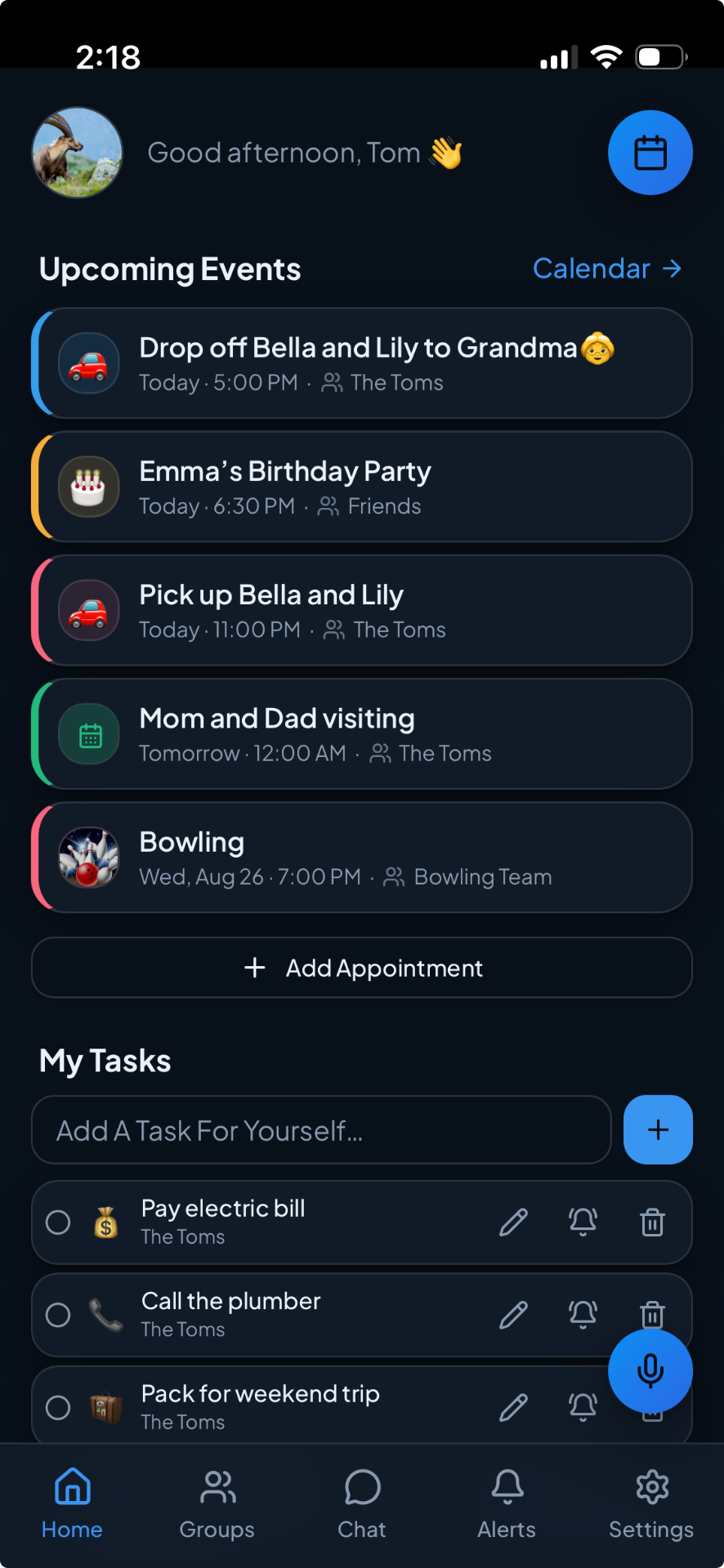
Shared Planner home screen with shared calendars, tasks and lists

A shared planning app that brings calendars, tasks, shopping lists, reminders and group chat together for families, couples, friends and teams.

For Households and small groups — families, couples, roommates, friend groups and small teams — that coordinate schedules, errands and lists together.

Tomwiser icon

A free weekly account of what a team worked on, delivered by email, Slack and Notion, with a link behind every claim and no monitoring of people.

For Engineering managers and team leads who owe a weekly written update and want it assembled from the work itself.

Mindful Suite — Priorities Today screen with completed tasks and a capybara scene behind the list

A family of iPhone and Android apps for goals, habits, daily priorities, focus timers, a lock-screen vision board and time awareness, sold as one suite.

For People who want goals, habits, daily priorities and focus tools from one developer instead of stitching together four separate apps.

Twillot logo

Syncs your whole X bookmark history into a searchable workspace with AI folders, an offline archive and export.

For Heavy X users who save hundreds or thousands of bookmarks and can no longer find or keep them.