This week's five split into two kinds. Two make a state visible that you would otherwise have to reconstruct from memory — who is actually following you, and what your AI-assisted build has already decided. The other three are shorter: a Mac that stops switching your microphone, an app that looks for money you stopped noticing, and a catalog where the design is the product.
Where your audience actually is
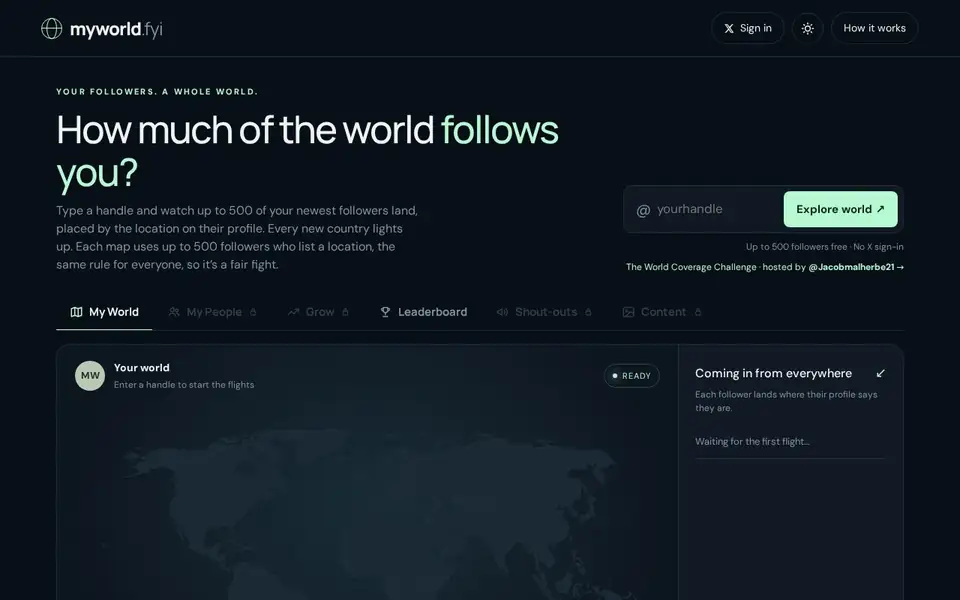
MyWorld answers one question about an X account: how much of the world follows you. You enter a handle and the map places up to 500 of its followers, each one where the location on their own profile says they are, and counts the countries reached. The site states the rule the same way for every handle — followers who leave location blank do not fly — which is what makes two maps comparable. Making your own map needs no X sign-in, and the free tier is capped at those 500 placed followers. The paid Your Whole World map is $9 one-time: it reads up to 100,000 followers, adds US states and top cities, runs a customs check on the first 1,000, includes a full-world video, and puts you on a separate board where every follower counts. It bundles 30 days of Connectors, and refreshing them afterwards is an optional $5 a month — the page says there is one payment and nothing renews automatically. A World Coverage Challenge, hosted by the maker, ranks maps by countries reached.
What your AI build has already decided
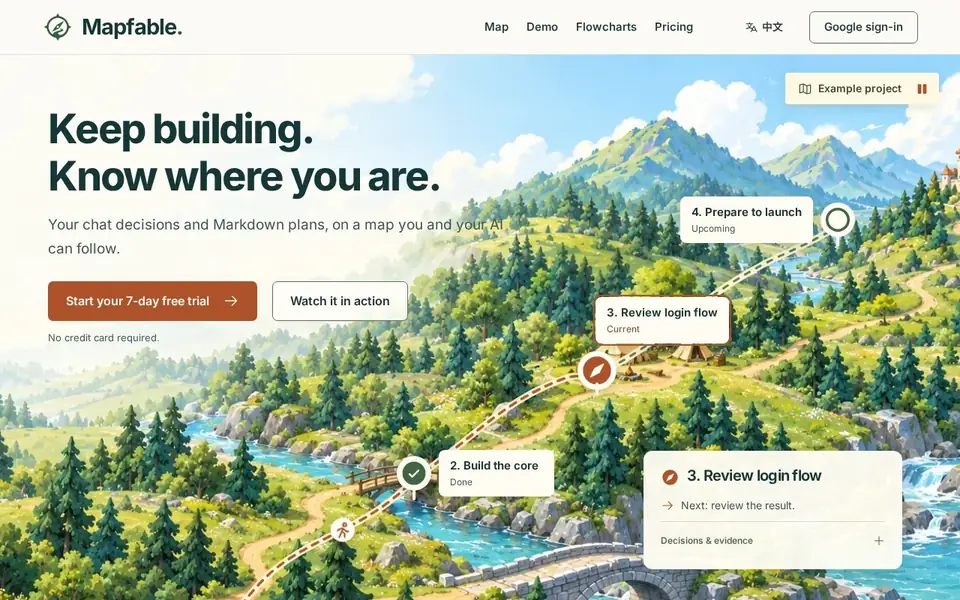
Mapfable is for the drift that sets in when a project is built across many AI conversations: scope changed somewhere, something is marked done but was never reviewed, and the next step is buried in a thread. It keeps the plan as a map of nodes with explicit status — the homepage's own example runs Decision saved, Progress and evidence saved, Plan saved, Done, You are here, Next — and each node carries the decision and its evidence with it, including links to the working files the plan grew from, like project-notes.md and build-log.md. You are not limited to reading it: the site says to ask your connected AI to create the project and tasks you agreed on, or create a project in the workspace yourself, and that a connected AI can create and update maps through MCP. The plan is that you and your AI then continue from the saved progress instead of re-pasting the last conversation. Access is through Google sign-in. Two plans are published on the homepage — $9 a month or $85 a year, in US dollars — and the page adds that once trials are available, the first Google sign-in starts a 7-day trial with no card and no automatic charge.
The microphone stays where you put it
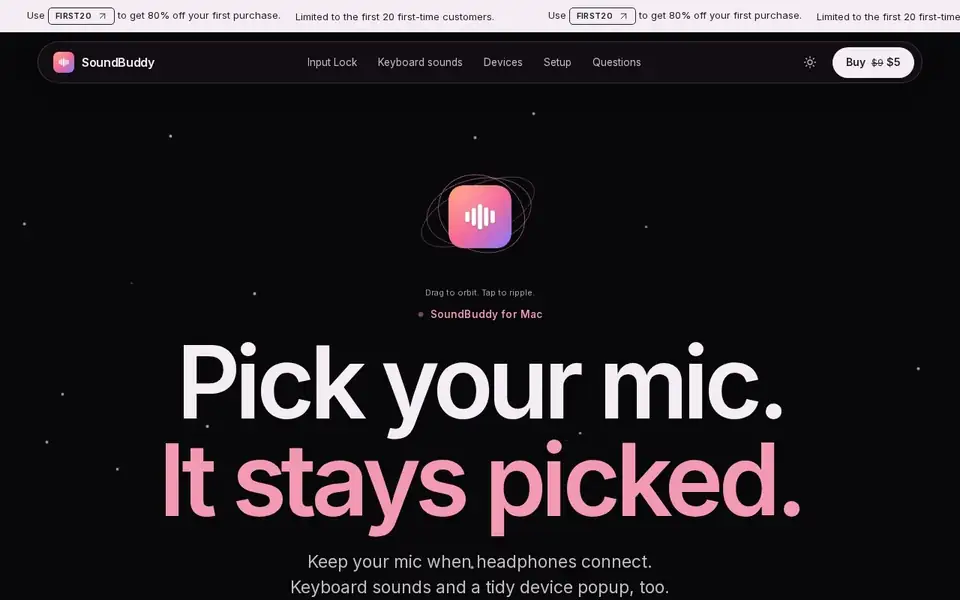
SoundBuddy exists for one specific macOS behavior: headphones connect, the system moves the audio input, and a call or recording starts on the wrong microphone. Its core feature, Input Lock, watches that switch and puts your chosen input back while the app is open; if the locked microphone disconnects, a fallback you set takes over instead of the system guessing. Two smaller things ride along — six keyboard sound packs that stay silent until you switch one on, and a device popup that says what just connected and gets out of the way. The page is explicit that the demo sounds are synthesized samples rather than recordings of real switches. It is a one-time license for one Mac with no account to create, installer and license delivered by email, at a $5 launch price before tax (with a planned regular price of $9); there is no free trial, but a full refund is offered on request within seven days. It needs macOS 14 or later on Apple silicon.
The money that leaves quietly
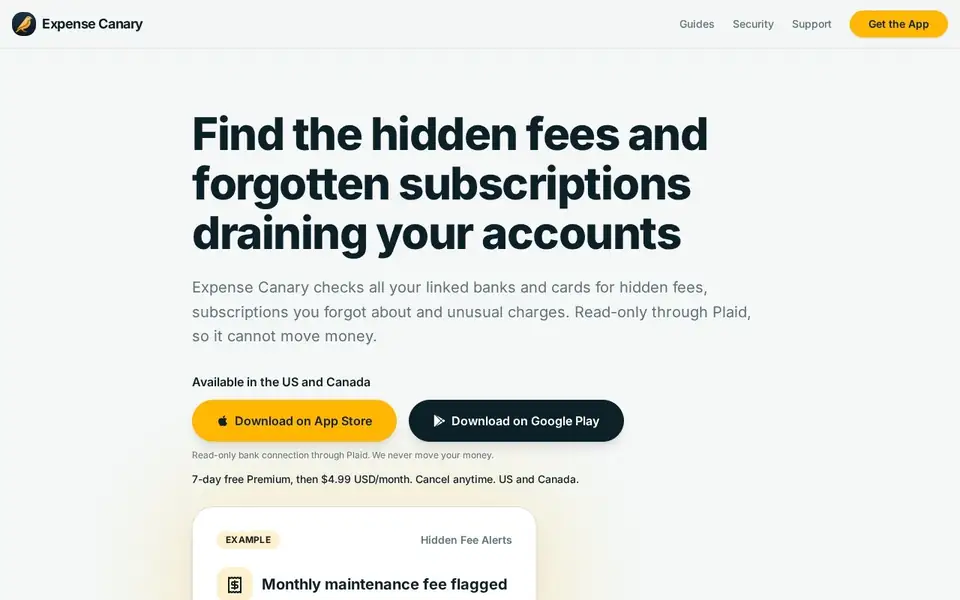
Expense Canary is a mobile app for a maintenance fee you never agreed to, a subscription you cancelled in your head but not at the bank, and charges that do not match your usual pattern. It scans across all linked banks and cards at once rather than one account at a time, and shows what an alert looks like — a flagged $12.00 monthly maintenance fee on a TD checking account — alongside a subscription radar that reviews recurring charges in one list. The connection runs through Plaid and is read-only, which the page states twice in different words: it can see transactions but cannot move money. It covers the US and Canada on the App Store and Google Play, and costs $4.99 a month after a 7-day free trial, cancel anytime. What it deliberately does not do is act on your behalf: disputing a charge or closing an account stays with you, and its reach depends on Plaid covering your institutions.
Buy the design instead of making it
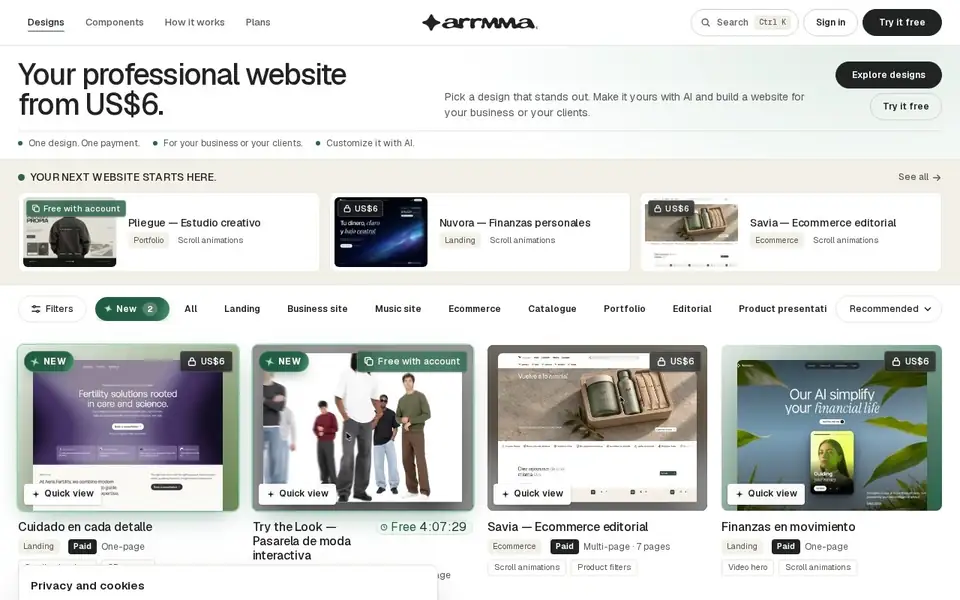
Arrmma sells finished website designs rather than a builder. Each one is a separate one-time purchase starting at US$6, and every design page includes the prompt, a demo and the files — the site's own summary is that it gives you the design, the prompt and the files, and you take them to your AI tool and review the result. The offer is aimed at two buyers at once: a business that needs a professional site without designing one, and a freelancer or agency that wants a starting point per client. You can try a path for free before buying, prices are quoted in US dollars, and the cookie notice on first load is unusually specific, separating strictly necessary technology from optional analytics and stating that declining changes nothing else.
Five products from the week of November 2 – 8, 2026 — one audience map, one project map, one Mac utility, one money check and one design catalog. Each has its own listing above with what it costs and what it does not do.