SoundBuddy

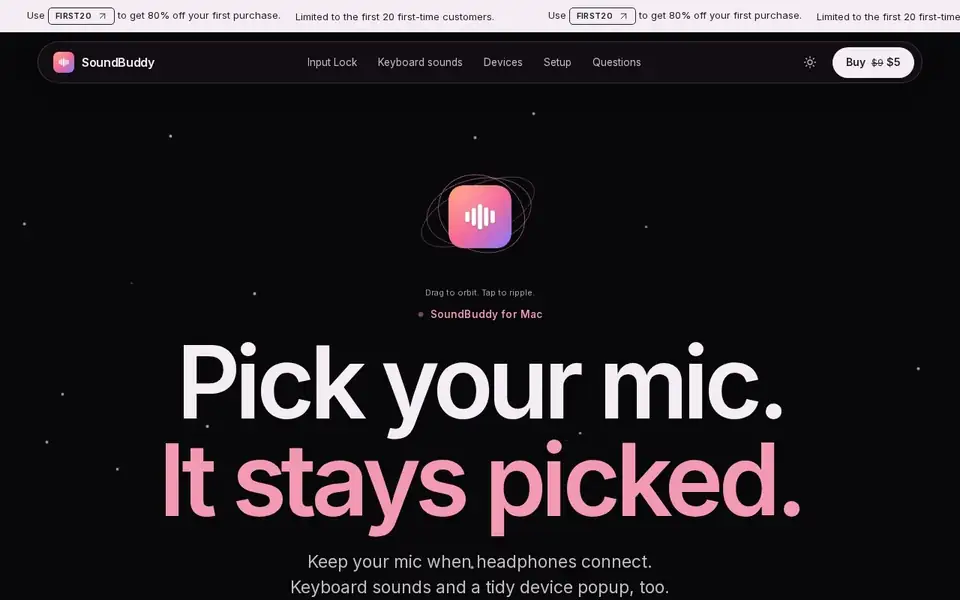
A Mac menu bar app that keeps your microphone selected when headphones connect, with six keyboard sound packs and a tidy device popup.

Visit Official Website

https://soundbuddy.tech

SoundBuddy — Mac menu bar app holding your microphone choice with Input Lock
View full size

What It Does

SoundBuddy exists for one specific macOS annoyance: the moment headphones connect, the system moves the audio input, and a call or recording starts with the wrong microphone. Its core feature, Input Lock, watches that switch and puts your chosen input back while the app is open. If the locked microphone disconnects, the fallback you set takes over instead of leaving the system to guess.

Two secondary features ride along: six keyboard sound packs that you pick and switch on, with the site stating nothing plays until you enable it, and a quieter device popup that tells you what just connected and then gets out of the way. The page is explicit that the demo sounds are original synthesized samples rather than recordings of physical switches, and that the illustrated popup uses sample devices with no access to your Mac. The fuller 3D keyboard and pack library sit in a separate lab page.

Licensing is a one-time purchase covering one Mac, with no subscription and no account to create: the installer and license arrive by email after purchase. There is no free trial, but the site offers a full refund on request within seven days.

Pricing is regional rather than a single figure. The stated launch price is $5 USD, or ₹449 in India, before tax, with a planned regular price of $9 USD (₹799 in India). The Japanese store page displays ¥821 for the same license, so a yen figure on the site is a localized display of the USD price, not a separate tier. Requirements are macOS 14 or later on Apple silicon.

Key Features

  • Input Lock restores your selected microphone after macOS switches it
  • Configurable fallback microphone if the locked device disconnects
  • Six keyboard sound packs that stay silent until you switch one on
  • Quiet device popup showing what just connected
  • Menu bar resident with no account to create
  • One-time license for one Mac, with refund on request within seven days

Who It Is For

People on Apple silicon Macs who take calls, record or stream and lose their chosen microphone when headphones connect, plus anyone who wants keyboard typing sounds.

Key Use Cases

  • Keeping a chosen external mic selected through a headphone connect/disconnect cycle during calls
  • recording with a consistent input
  • adding keyboard typing sounds
  • replacing the crowded macOS input menu

Pricing and Access

Pricing

One-time purchase

Plans

PlanPriceBillingNotes
Launch license$5one-timeOne payment for one Mac at a time, before tax; ₹449 in India. The site states a planned regular price of $9 USD (₹799), and localized totals such as ¥821 are a currency display of the same license rather than a separate tier. No free trial, with a full refund on request within seven days.

Plan details are shown as published; taxes and regional pricing may differ.

Access

One-time purchase covering one Mac, no subscription and no account to create. Launch price $5 USD (₹449 in India) before tax, with a planned regular price of $9 USD (₹799); the Japanese page shows ¥821 for the same license. No free trial, but a full refund is available on request within seven days. Requires macOS 14 or later on Apple silicon. Installer and license are delivered by email.
Pricing and availability last checked: Nov 2, 2026 · Source: official website

Privacy and Data Handling

A privacy policy and terms page are linked. The product page states the demo popup is a simulation with sample devices and that the app has no access to your Mac in that demonstration.

Official privacy policy

Strengths and Limitations

Strengths

It targets one well-defined failure of macOS audio routing, states plainly what is real capture versus simulation, and sells a one-time license for a few dollars instead of subscribing.

Limitations

No free trial — refund is only available on request within seven days. The demo sounds are synthesized samples, not recordings of physical switches, and the device popup shown on the site is a simulation. One license covers one Mac, and it runs only on Apple silicon with macOS 14 or later. A call app that sets its own input can still override the system choice.

Why I Featured It

A Mac menu bar app that keeps your chosen microphone selected when headphones connect, so a call never starts on the wrong input. Useful for anyone who takes calls, records or streams on a Mac.

This is an editorial choice, not an objective ranking or score. Read the issue.

Common Questions

What does Input Lock actually do?

It puts the microphone you chose back in place when macOS switches input after headphones connect, and keeps holding it while the app is open. If the locked device disconnects, the fallback you set takes over.

Is there a free trial?

No. The site states there is no trial, but offers a full refund on request within seven days.

Why do I see several currencies?

The license is priced in US dollars — $5 at launch, with $9 planned as the regular price. Figures such as ₹449 or ¥821 are regional displays of the same license, not extra tiers.

Are the keyboard sounds real recordings?

No. The page says the demo sounds are synthesized samples rather than recordings of physical switches, and the device popup it shows is a simulation.

Answers are editor-written from verified product details; last checked Nov 6, 2026.

Related Products

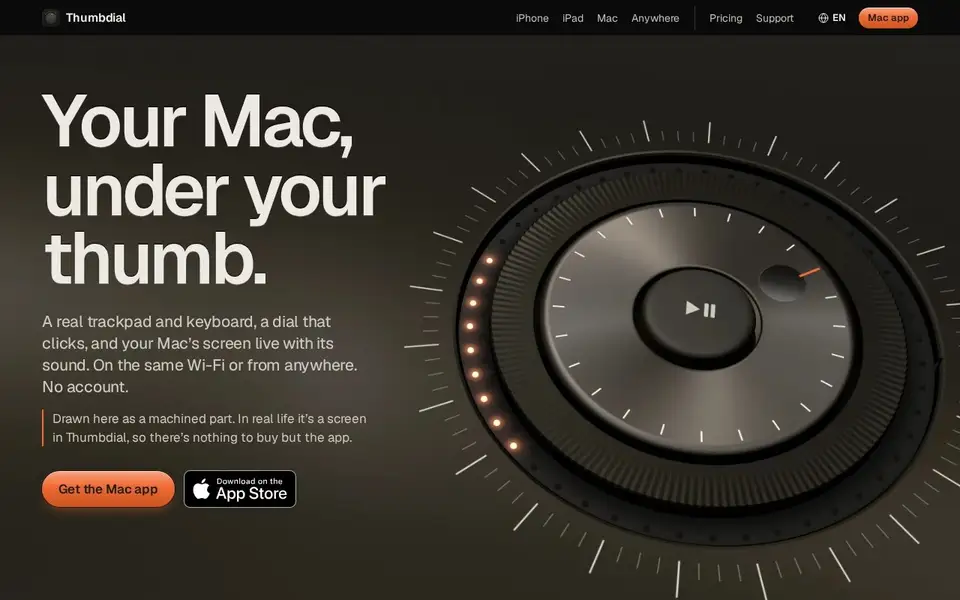
Thumbdial — iPhone as Mac trackpad and haptic jog dial

Your iPhone, iPad or Apple Watch becomes a trackpad, keyboard, haptic jog dial and presenter remote for your Mac — Wi-Fi, USB or encrypted relay.

For Mac users who present, edit video or control their Mac remotely — from the couch, the stage or another city.

Dayfold — daily ship log with one note a day

A one-note-a-day ship log for builders: write what you actually shipped each evening, with a 14-note free history and a $4 full-history plan.

For Builders and students who want a private, honest record of daily progress rather than a to-do list.

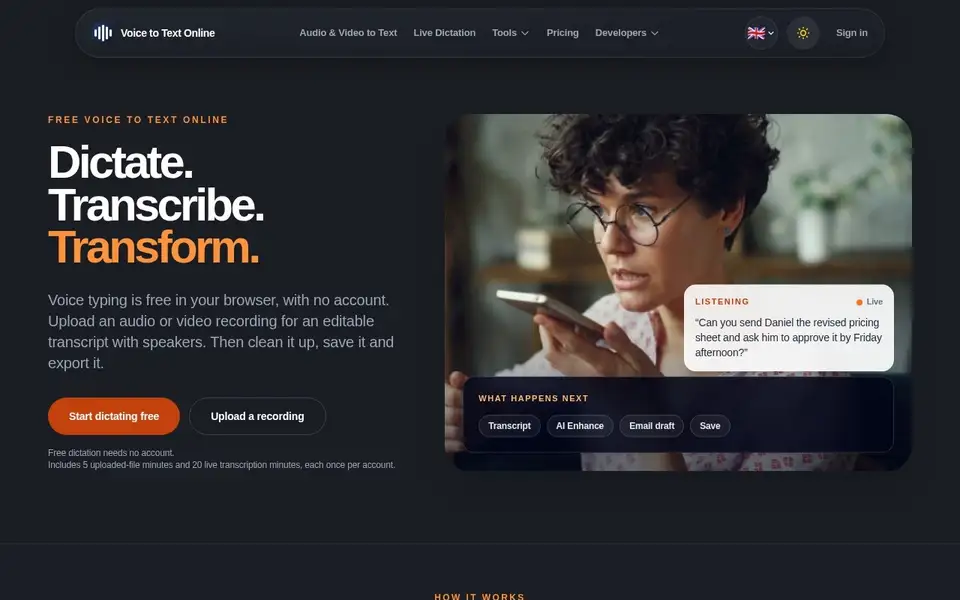
V2T — browser voice dictation and audio transcription with speaker labels

Browser dictation with no account, plus uploaded audio/video transcription with speakers, AI cleanup and exports. Free tier; paid from $5.

For People transcribing podcasts, interviews and meetings, and anyone who wants voice typing in the browser without an account.

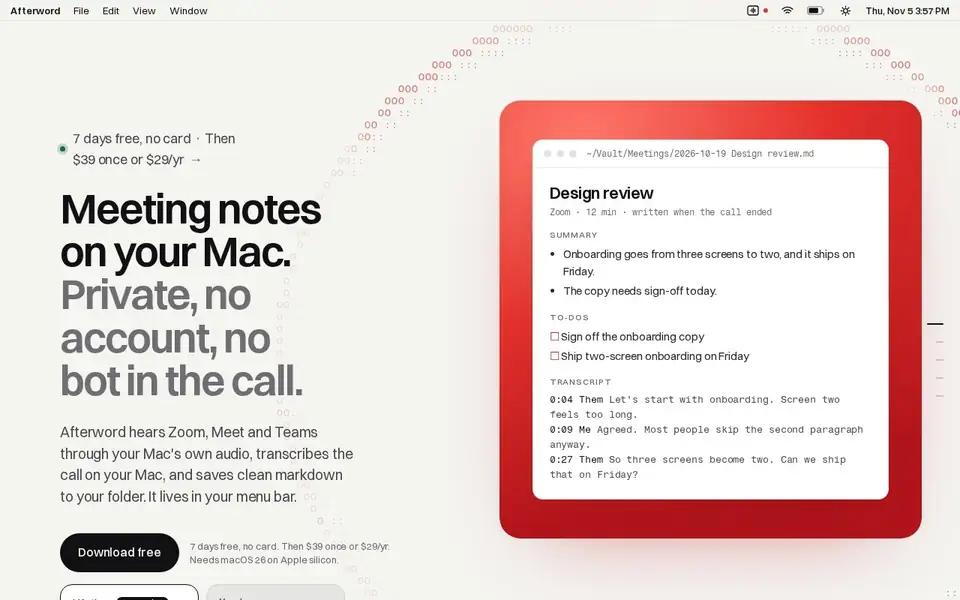
Afterword — Mac meeting notes with no bot and on-device transcription

Writes meeting notes for Zoom, Meet and Teams entirely on your Mac, with no bot joining the call, saved as Markdown.

For Mac users who take Zoom, Meet or Teams calls from their laptop and want notes and action items without a recording bot in the meeting.