Afterword

Writes meeting notes for Zoom, Meet and Teams entirely on your Mac, with no bot joining the call, saved as Markdown.

Visit Official Website

https://getafterword.me

Afterword — Mac meeting notes with no bot and on-device transcription
View full size

What It Does

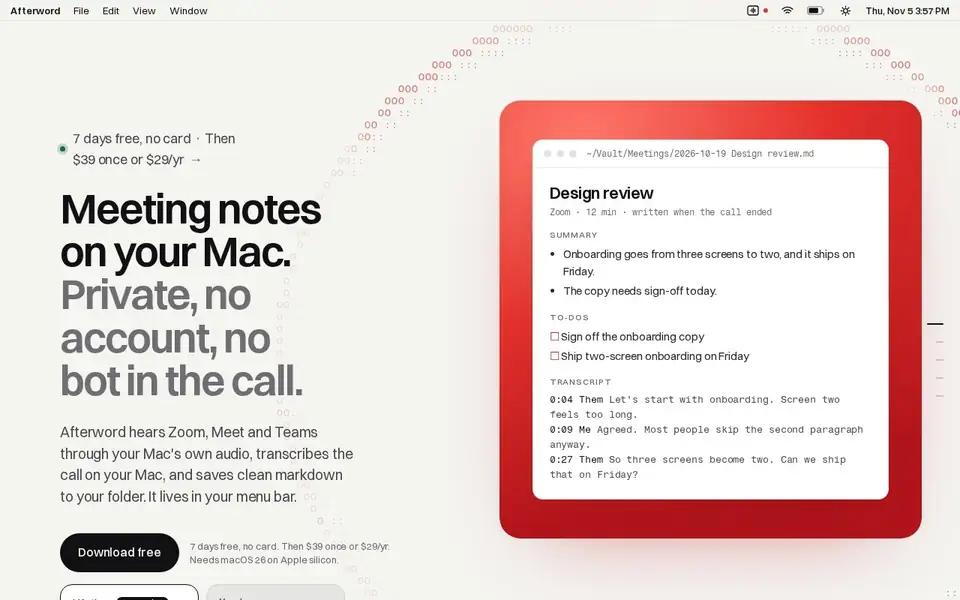
Afterword's differentiator is stated in the negative: no bot joins the call. It captures Zoom, Meet and Teams audio through the Mac's own audio, transcribes the call on the machine, and produces the note afterwards — a summary, the decisions, the action items and the full transcript — saved as Markdown into your own folder. It sits in the menu bar and starts recording by itself when a call begins.

That architecture has consequences the page spells out. Because audio never has to leave the device for a service to hold it, there is no account to create and no participant seeing an unfamiliar attendee joining. The trade-off is platform reach: it needs macOS 26 on Apple silicon, so it is a Mac-only tool for people whose calls happen on that machine.

Pricing is shown on the homepage with two options, both covering three Macs. Lifetime is $39 once, marked best value, with the line that paying once means every update is yours. Yearly is $29 a year. A seven-day trial is offered without a card, and refunds are available within 14 days.

The page is organized as a short narrative — the call, how it starts by itself, how it stays on your Mac, the quiet minute afterwards, then the note — rather than a feature grid. What you are buying is the meeting record you would otherwise type, generated locally, on a Mac, for a one-time or low annual price.

Key Features

  • Captures Zoom, Meet and Teams audio through the Mac's own audio, with no bot in the call
  • Transcription runs on the machine rather than through an account
  • Summary, decisions, action items and full transcript in one note
  • Markdown output saved into your own folder
  • Menu bar resident and starts by itself when a call begins
  • No account required, with a seven-day trial and no card

Who It Is For

Mac users who take Zoom, Meet or Teams calls from their laptop and want notes and action items without a recording bot in the meeting.

Key Use Cases

  • Producing meeting summaries and decisions after a call
  • capturing action items without typing during the meeting
  • keeping a local transcript for later search
  • archiving meetings as Markdown notes in your own folders

Pricing and Access

Pricing

Paid

Plans

PlanPriceBillingNotes
Trial$0freeSeven days free with no card and no account; the app works fully for the week.
Lifetime$39one-timeMarked best value on the site. Covers up to 3 Macs and includes every later update.
Yearly$29per yearCovers up to 3 Macs. Any payment can be refunded within 14 days.

Plan details are shown as published; taxes and regional pricing may differ.

Access

Seven days free with no card. Lifetime $39 once for three Macs, or Yearly $29 a year for three Macs, with refunds within 14 days. Requires macOS 26 on Apple silicon.

Pricing and availability last checked: Nov 4, 2026 · Source: official website

Privacy and Data Handling

No privacy policy link was found on the pages captured; the product states transcription happens on your Mac and that no account is required.

Strengths and Limitations

Strengths

Removing the bot changes the social dynamics of a meeting, and local transcription plus a one-time $39 license is a credible answer to per-seat meeting-AI pricing.

Limitations

macOS 26 on Apple silicon only, so no Intel Macs, Windows or mobile; limited to Zoom, Meet and Teams; three Macs per license.

Common Questions

Does a bot join the call?

No. It captures the meeting on your Mac, so there is no transcription bot sitting in Zoom, Meet or Teams.

Where do the notes go?

Into a folder you pick, as markdown, with the app living in the menu bar.

What does it cost?

Seven days free with no card, then $39 once for a lifetime license or $29 a year. Both cover up to 3 Macs, and any payment is refundable within 14 days.

What do I need to run it?

macOS 26 on Apple silicon.

Answers are editor-written from verified product details; last checked Nov 6, 2026.

Related Products

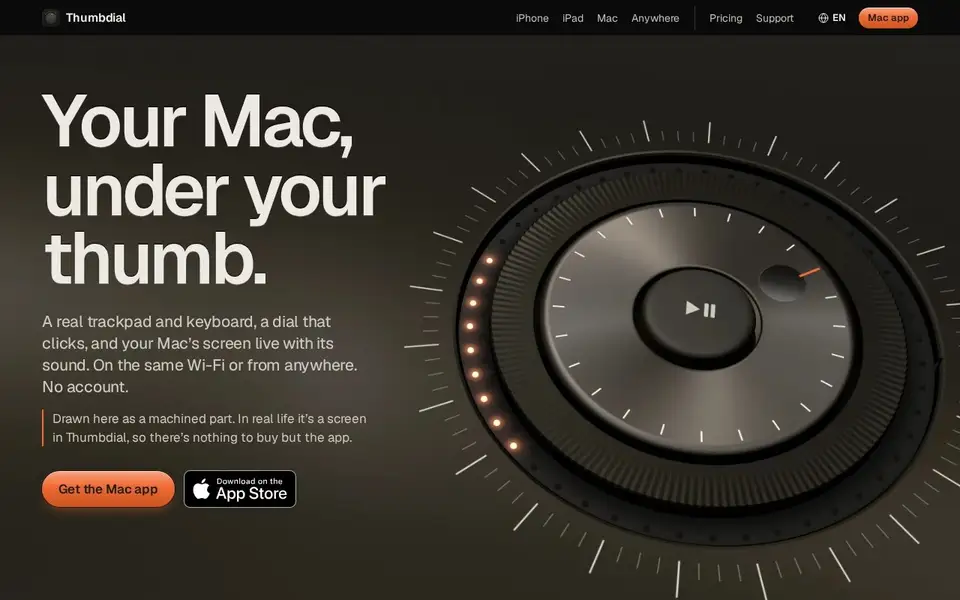
Thumbdial — iPhone as Mac trackpad and haptic jog dial

Your iPhone, iPad or Apple Watch becomes a trackpad, keyboard, haptic jog dial and presenter remote for your Mac — Wi-Fi, USB or encrypted relay.

For Mac users who present, edit video or control their Mac remotely — from the couch, the stage or another city.

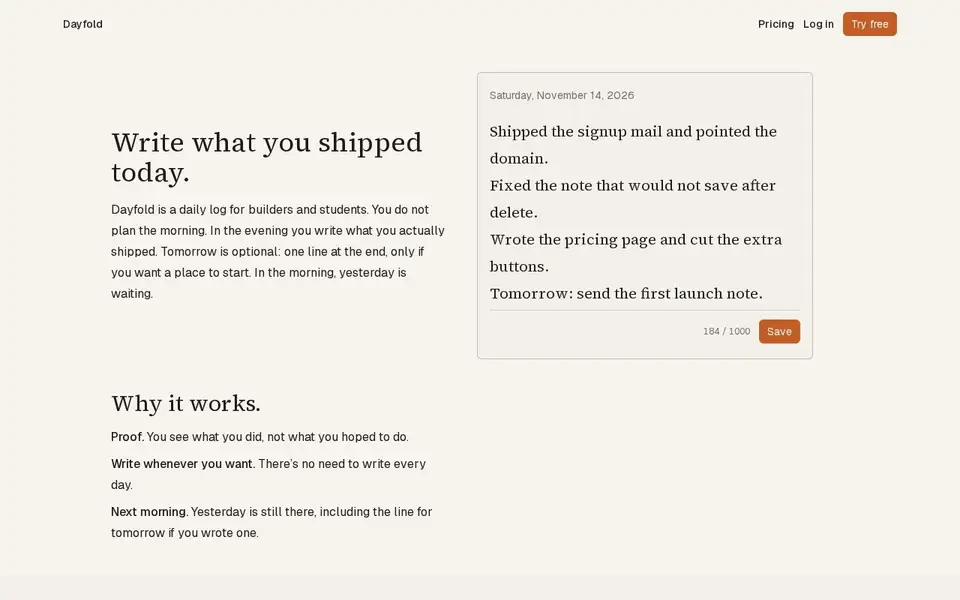
Dayfold — daily ship log with one note a day

A one-note-a-day ship log for builders: write what you actually shipped each evening, with a 14-note free history and a $4 full-history plan.

For Builders and students who want a private, honest record of daily progress rather than a to-do list.

V2T — browser voice dictation and audio transcription with speaker labels

Browser dictation with no account, plus uploaded audio/video transcription with speakers, AI cleanup and exports. Free tier; paid from $5.

For People transcribing podcasts, interviews and meetings, and anyone who wants voice typing in the browser without an account.

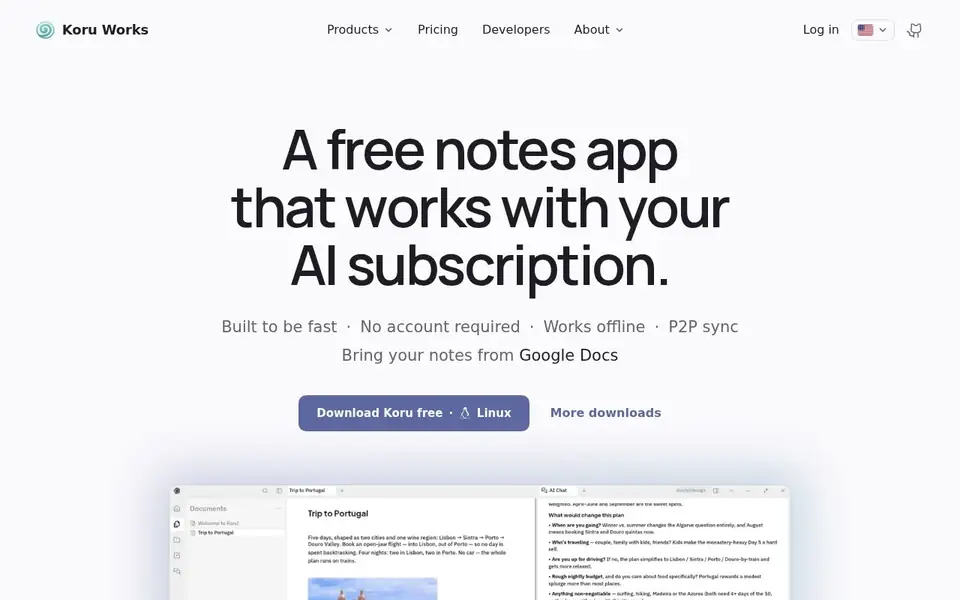
Koru — offline private AI workspace with notes, files and peer-to-peer sync

A free offline-first workspace where notes, files and AI bots work on your device in a local database, syncing peer to peer.

For People who want notes, files and AI assistance without their data leaving the device, on Windows, macOS or Linux, and who may self-host.