Koru

A free offline-first workspace where notes, files and AI bots work on your device in a local database, syncing peer to peer.

Visit Official Website

https://koru.do

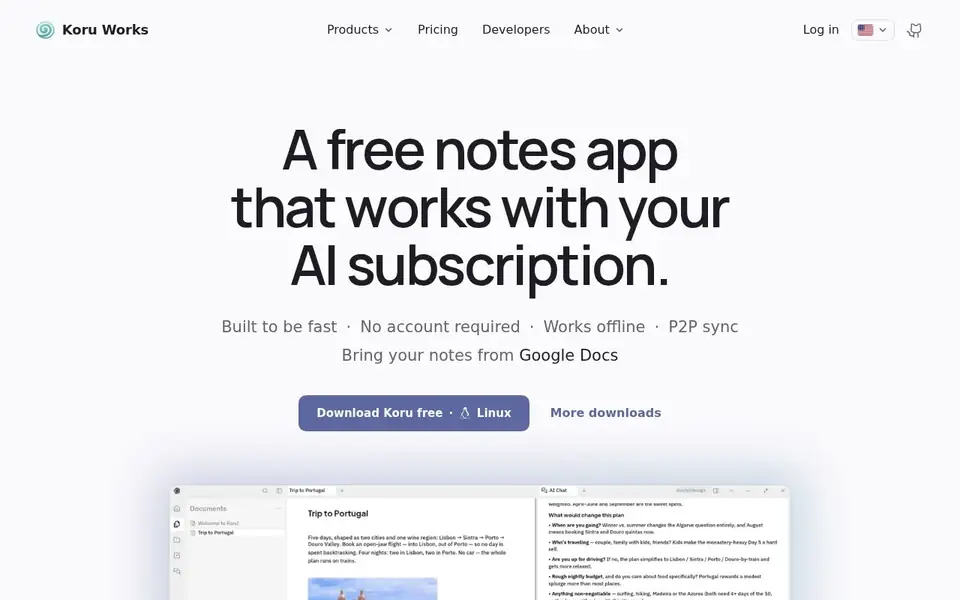
Koru — offline private AI workspace with notes, files and peer-to-peer sync
View full size

What It Does

Koru is a workspace built so that your work stays on your machine. Notes, files and AI run against a local database, the app works offline, and synchronisation happens directly between your devices rather than through a vendor's server as the source of truth. It is free on Windows, macOS and Linux, needs no account to use locally, and is presented as open source with the code reachable from the site.

The product is split into parts that share the same local-first premise. Workspace holds notes, files and AI. Connect is described as a shared workspace for people and AI. Bots are AI workers with a job each running around the clock, and Teams is where people and AI are meant to work together rather than in separate tools. The notes app is positioned as working with an AI subscription you already have, instead of requiring another one.

Migration is addressed directly: the site lists bringing notes in from Evernote, Google Docs, Notion and Markdown, which is the practical question for anyone considering switching from an incumbent.

The commercial layer is optional and clearly bounded. The pricing page states you get everything you need locally, free or self-hosted, and that Koru Cloud adds always-on sync, backup and 100 GB of storage for $9.99 a month, including everything in the local product. So the paid tier buys durability and availability rather than unlocking features that are withheld from the free version, which is the distinction that usually decides whether a local-first tool is worth adopting.

Key Features

  • Local database with offline operation and no account required
  • Peer-to-peer sync directly between your devices
  • Workspace, Connect, Bots and Teams sharing the same local-first premise
  • Works with the AI subscription you already hold
  • Import from Evernote, Google Docs, Notion and Markdown
  • Free locally or self-hosted, with Koru Cloud adding always-on sync, backup and 100 GB for $9.99 a month

Who It Is For

People who want notes, files and AI assistance without their data leaving the device, on Windows, macOS or Linux, and who may self-host.

Key Use Cases

  • Keeping a private offline note and file workspace
  • syncing between your own devices peer to peer
  • running AI bots against local work
  • migrating away from Evernote, Google Docs or Notion
  • adding managed backup with the cloud tier

Pricing and Access

Pricing

Freemium

Plans

PlanPriceBillingNotes
Koru Local$0freeEverything needed to use Koru locally on Windows, macOS or Linux, with no account. Self-hosting is listed as coming soon.
Koru Cloud$9.99per monthAdds always-on sync, backup and 100 GB of storage on top of everything in Local.

Plan details are shown as published; taxes and regional pricing may differ.

Access

Free on Windows, macOS and Linux, usable locally or self-hosted with no account. Koru Cloud is $9.99 a month and adds always-on sync, backup and 100 GB of storage on top of the local feature set.

Pricing and availability last checked: Nov 4, 2026 · Source: official website

Privacy and Data Handling

A privacy policy and terms are published under the English site path. The product states work stays on your device in a local database, with peer-to-peer sync between devices.

Official privacy policy

Strengths and Limitations

Strengths

The paid tier buys availability and backup instead of holding core features hostage, which is the rarest and most useful choice a local-first product can make.

Limitations

The open-source claim is made on the site but the license was not verified for this listing; always-on sync and backup require the cloud tier; Teams and Bots are described at a high level rather than documented on the pages read.

Common Questions

What kind of app is it?

A private AI workspace: notes, documents, agents, bots and teams, with workspaces as the unit.

Does it work offline?

Yes. Work stays on your device in a local database and syncs directly between devices, so it keeps functioning without a connection.

What is free, and what is paid?

Koru Local is free forever on Windows, macOS and Linux with no account. Koru Cloud is $9.99 a month and adds always-on sync, backup and 100 GB of storage.

How is it different from Notion or Google Docs?

The site positions itself on where your data lives: locally, synced peer-to-peer, rather than in a vendor's cloud.

Answers are editor-written from verified product details; last checked Nov 6, 2026.

Related Products

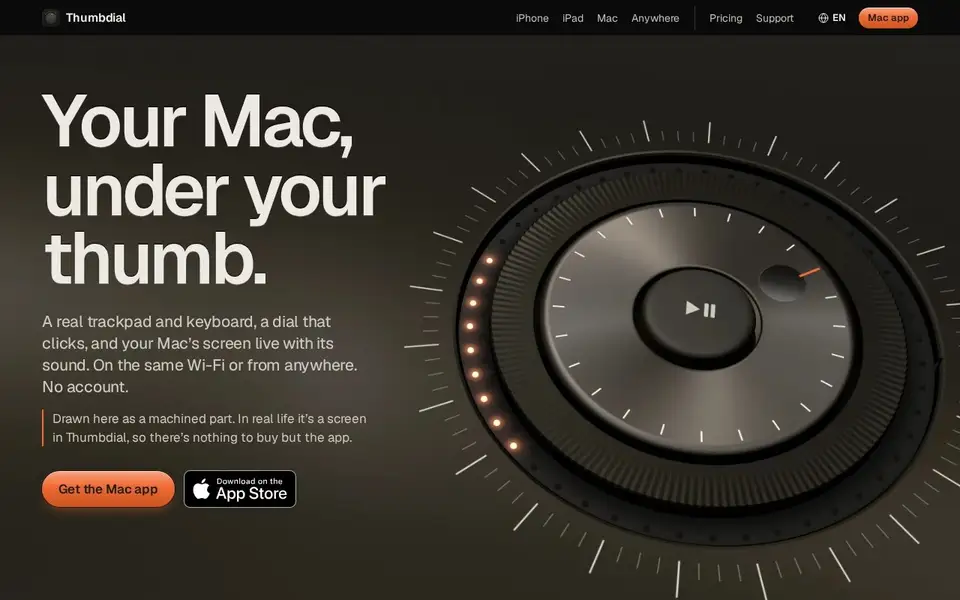
Thumbdial — iPhone as Mac trackpad and haptic jog dial

Your iPhone, iPad or Apple Watch becomes a trackpad, keyboard, haptic jog dial and presenter remote for your Mac — Wi-Fi, USB or encrypted relay.

For Mac users who present, edit video or control their Mac remotely — from the couch, the stage or another city.

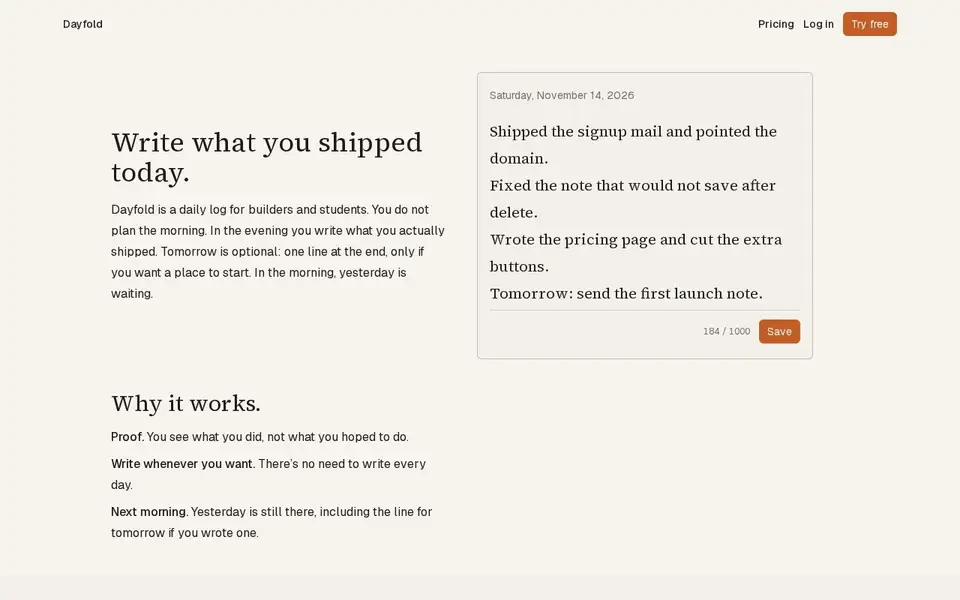
Dayfold — daily ship log with one note a day

A one-note-a-day ship log for builders: write what you actually shipped each evening, with a 14-note free history and a $4 full-history plan.

For Builders and students who want a private, honest record of daily progress rather than a to-do list.

V2T — browser voice dictation and audio transcription with speaker labels

Browser dictation with no account, plus uploaded audio/video transcription with speakers, AI cleanup and exports. Free tier; paid from $5.

For People transcribing podcasts, interviews and meetings, and anyone who wants voice typing in the browser without an account.

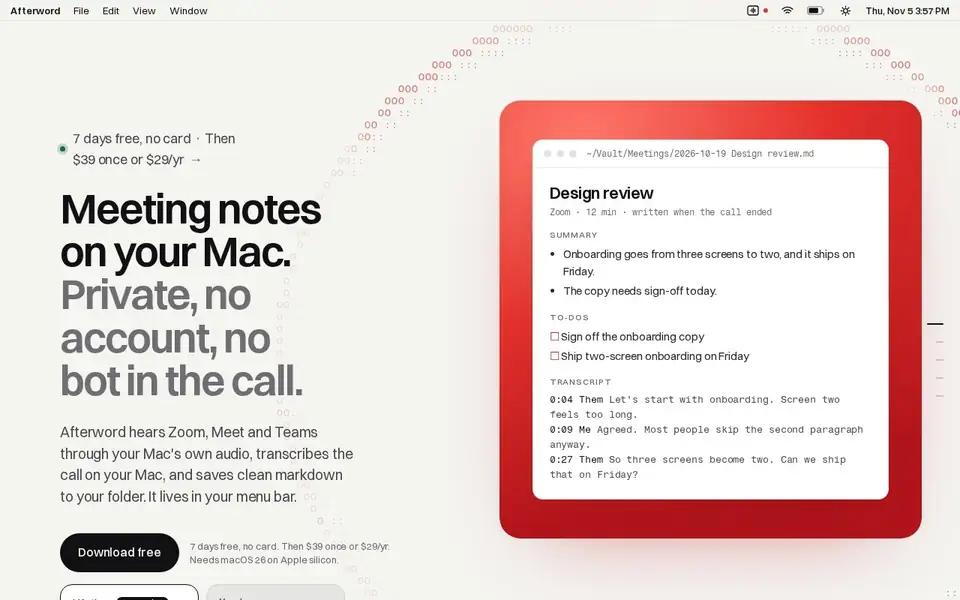
Afterword — Mac meeting notes with no bot and on-device transcription

Writes meeting notes for Zoom, Meet and Teams entirely on your Mac, with no bot joining the call, saved as Markdown.

For Mac users who take Zoom, Meet or Teams calls from their laptop and want notes and action items without a recording bot in the meeting.