Dayfold

A one-note-a-day ship log for builders: write what you actually shipped each evening, with a 14-note free history and a $4 full-history plan.

Visit Official Website

https://dayfold.dev

Dayfold — daily ship log with one note a day
View full size

What It Does

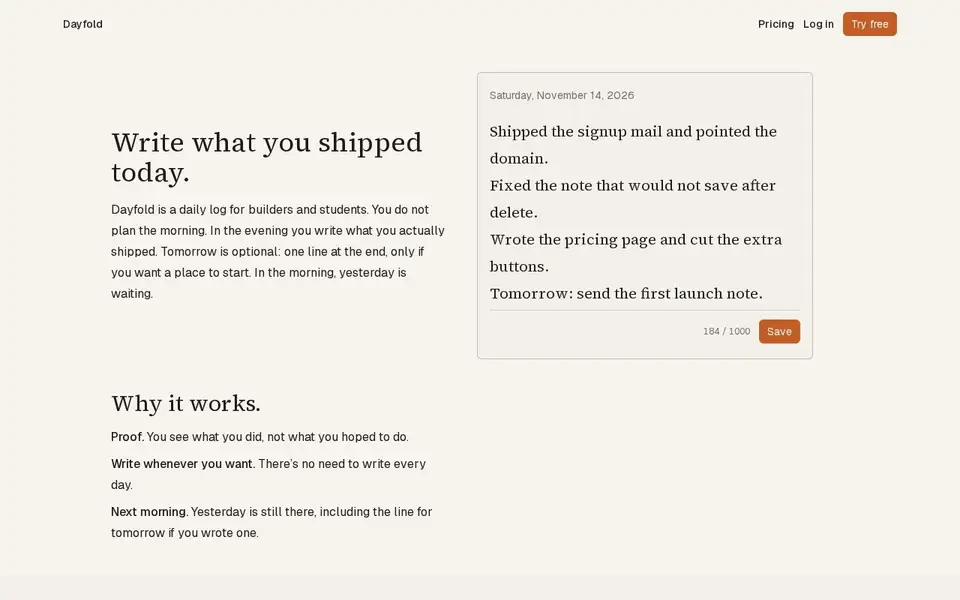
Dayfold is a daily log app for builders with one rule at its center: in the evening you write what you actually shipped — not what you hoped to do. One note a day, up to 1000 characters, optionally with a one-line note for tomorrow; yesterday's entry is still there the next day, plan line included.

The constraints are the product: you can edit or delete a note only on the day you wrote it, there is no obligation to write every day, and notes are private to the account. The pitch is proof of work — 'You see what you did, not what you hoped to do.'

Pricing, verified on the pricing page: Free ($0) with the full app but history limited to the last 14 notes; Paid at $4/month for full history, cancel anytime. Accounts run through email/password sign-up; the app is a web app.

Limits and privacy: notes cannot be edited or deleted after their day, and free history shows only the last 14 notes. The GDPR notice (updated October 13, 2026) states Dayfold is operated from France by Lionel ROBERT, uses Supabase Auth and Stripe (no card numbers stored), keeps only a session cookie with no advertising or analytics, and states 'We do not sell notes. We do not use them to train a model.' Each note stores its text, the day it was written and an IANA time zone. Account deletion is self-service and removes all data.

Key Features

  • One note a day, up to 1000 characters, plus an optional one-line note for tomorrow
  • Edit or delete only on the day you wrote it
  • Proof-of-work framing: 'You see what you did, not what you hoped to do.'
  • No obligation to write every day; yesterday stays visible
  • Free history of the last 14 notes; $4/month unlocks full history

Who It Is For

Builders and students who want a private, honest record of daily progress rather than a to-do list.

Key Use Cases

  • Logging what you actually shipped each day
  • keeping an optional one-line plan for tomorrow
  • reviewing an honest history of progress

Pricing and Access

Pricing

Freemium

Plans

PlanPriceBillingNotes
Free$0freeOne note a day up to 1000 chars; edit/delete only same day; history limited to last 14 notes.
Paid$4per monthFull history; cancel anytime.

Plan details are shown as published; taxes and regional pricing may differ.

Access

Web app with email/password accounts (Supabase Auth); notes private to the account; 1000-character cap with a visible counter.

Pricing and availability last checked: Nov 13, 2026 · Source: official website

Privacy and Data Handling

GDPR notice updated October 13, 2026. Operated from France by Lionel ROBERT. Supabase (auth/database), Stripe (payments, no card numbers), hosting and auth-mail providers; SCCs for transfers. Each note stores its text, the day it was written and an IANA time zone; notes and account kept until deletion; self-service 'Delete account'. Session cookie only; 'No advertising cookies, no analytics in this version.' 'We do not sell notes. We do not use them to train a model.'

Official privacy policy

Strengths and Limitations

Strengths

The edit-only-today rule is a genuinely clever forcing function for honesty, and the free tier is a complete product rather than a crippled demo.

Limitations

Notes are locked after their day; free history keeps only the last 14 notes; web-only (no mobile app); the paid tier's sole extra is full history.

Common Questions

Can I edit yesterday's note?

No; notes can be edited or deleted only on the day they were written.

What does the $4 plan add?

Full history. Free keeps only the last 14 notes.

Who can see my notes?

Only you; the GDPR notice states notes are private and 'We do not sell notes. We do not use them to train a model.'

Answers are editor-written from verified product details; last checked Nov 14, 2026.

Related Products

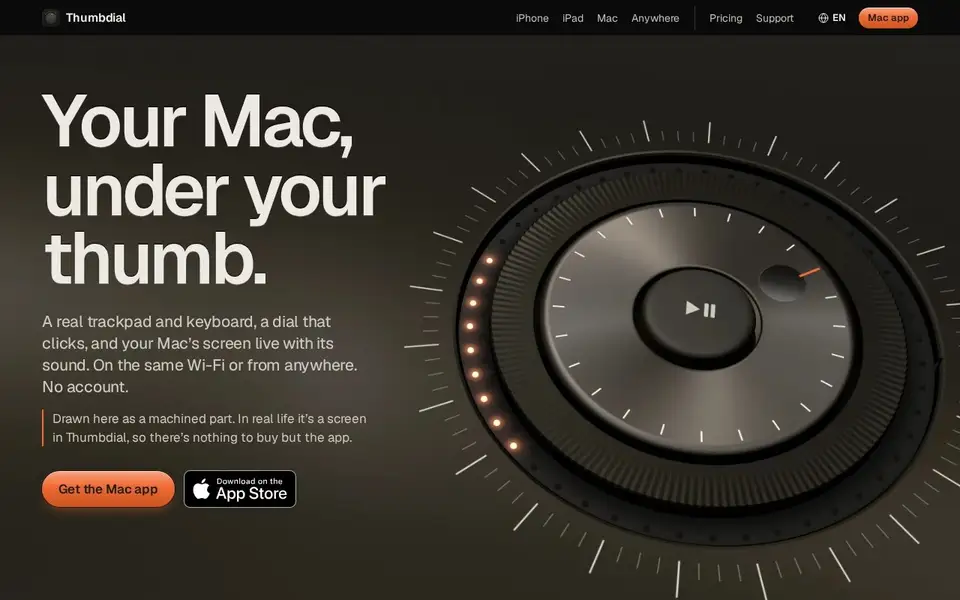
Thumbdial — iPhone as Mac trackpad and haptic jog dial

Your iPhone, iPad or Apple Watch becomes a trackpad, keyboard, haptic jog dial and presenter remote for your Mac — Wi-Fi, USB or encrypted relay.

For Mac users who present, edit video or control their Mac remotely — from the couch, the stage or another city.

V2T — browser voice dictation and audio transcription with speaker labels

Browser dictation with no account, plus uploaded audio/video transcription with speakers, AI cleanup and exports. Free tier; paid from $5.

For People transcribing podcasts, interviews and meetings, and anyone who wants voice typing in the browser without an account.

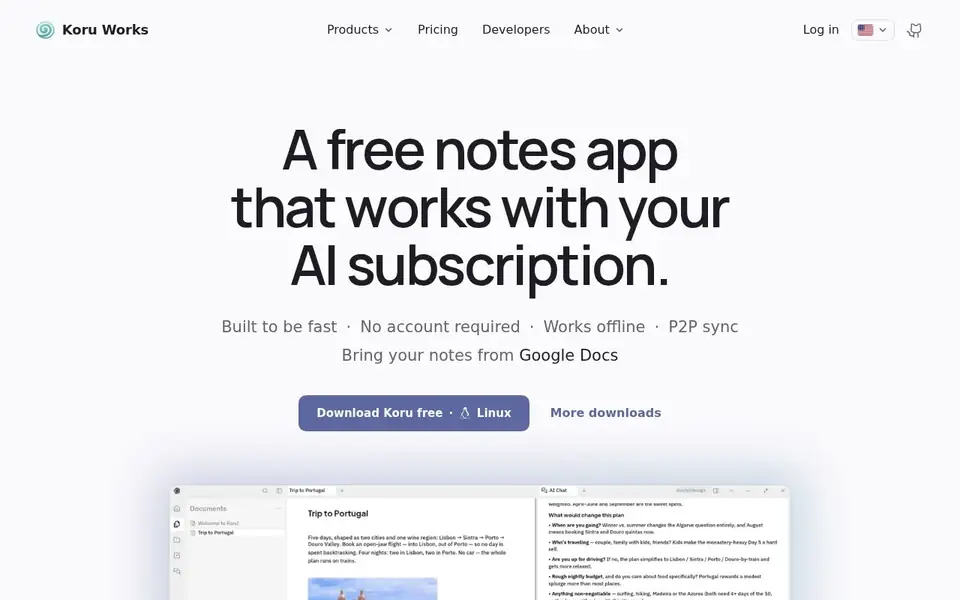
Koru — offline private AI workspace with notes, files and peer-to-peer sync

A free offline-first workspace where notes, files and AI bots work on your device in a local database, syncing peer to peer.

For People who want notes, files and AI assistance without their data leaving the device, on Windows, macOS or Linux, and who may self-host.

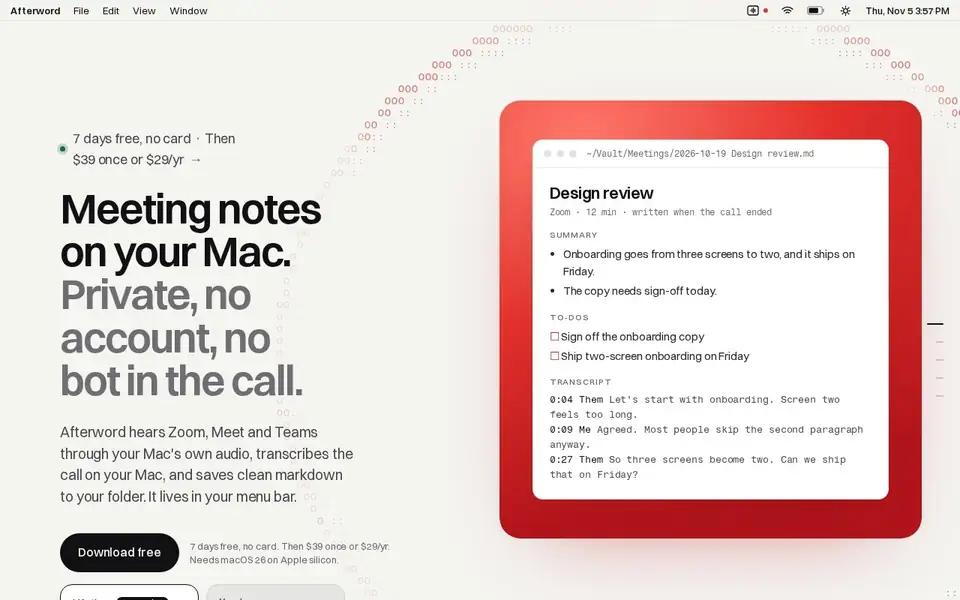
Afterword — Mac meeting notes with no bot and on-device transcription

Writes meeting notes for Zoom, Meet and Teams entirely on your Mac, with no bot joining the call, saved as Markdown.

For Mac users who take Zoom, Meet or Teams calls from their laptop and want notes and action items without a recording bot in the meeting.