Voice to Text Online

Browser dictation with no account, plus uploaded audio/video transcription with speakers, AI cleanup and exports. Free tier; paid from $5.

Visit Official Website

https://voicetotextonline.com

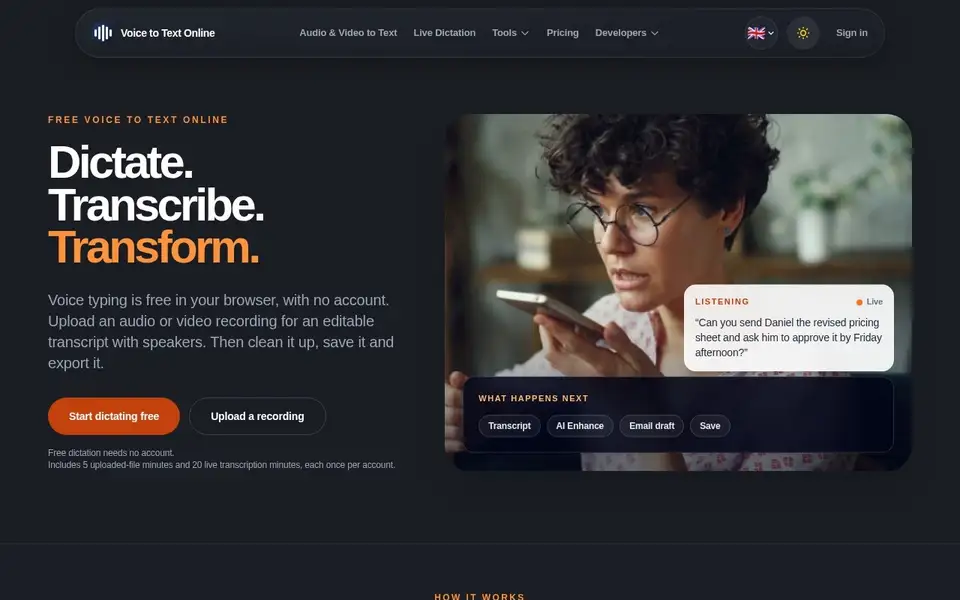
V2T — browser voice dictation and audio transcription with speaker labels
View full size

What It Does

Voice to Text Online (V2T) is a browser dictation and transcription service. Browser dictation works with no account and the text stays in local storage — 'The text is not sent to V2T' (account-free dictation uses the browser's own speech recognition, so audio may go to the browser vendor); signed-in live transcription streams mic audio to OpenAI. Uploading audio or video instead sends files for cloud transcription with speaker labels, an AI Enhance pass that cleans punctuation, grammar, casing and paragraphs, and generated summaries, email drafts, action items and translations.

Around the core there is a Chrome extension for dictating into Gmail and other sites, YouTube URL to text conversion, text-to-speech with MP3 download, Google Drive and Dropbox imports, a developer API and an MCP endpoint (currently YouTube transcripts and TTS only; Zapier, OneDrive, Notion, Slack and LinkedIn integrations are announced but not live).

Pricing is the most granular of this batch, verified on the page: browser dictation is free; a free account includes 5 uploaded-file minutes and 20 live minutes once per account; Pay as you go is $5 for 100 file minutes that never expire; Starter is $7/month (200 file + 60 live minutes, $59/year); Pro is $15/month (600 file + 200 live minutes, $149/year); and Live PAYG sells 20 live minutes for $1 with a $5 minimum on a separate non-expiring balance.

Limits and privacy: the free account allowance is one-time only; MCP does not take file transcription yet. The privacy policy (November 12, 2026) discloses that live audio streams encrypted to OpenAI (recordings not kept), uploads go to AssemblyAI on its free tier with model improvement enabled — so ordinary uploads may help train the upstream model (new Drive imports use an EU route excluded from training) — plus Anthropic for enhancement and Google Cloud TTS; no self-service deletion (aim: 7 business days).
Key Features

  • Free browser dictation, no account — text stays in local storage
  • Upload audio/video for cloud transcription with speaker labels
  • AI Enhance cleanup plus summaries, email drafts, action items and translations
  • Chrome extension for dictating in Gmail and other sites
  • YouTube URL to text; text-to-speech with MP3 download
  • Exports TXT / SRT / VTT / JSON; developer API and MCP endpoint

Who It Is For

People transcribing podcasts, interviews and meetings, and anyone who wants voice typing in the browser without an account.

Key Use Cases

  • Dictating text in the browser without an account
  • transcribing uploaded audio/video with speaker labels
  • converting a YouTube URL to text
  • generating summaries, action items and translations
  • text-to-speech with MP3 download

Pricing and Access

Pricing

Freemium

Plans

PlanPriceBillingNotes
Free account$0free5 uploaded-file minutes + 20 live minutes, each once per account.
Pay as you go$5one-time100 file-transcription minutes; credits do not expire.
Starter$7per month200 file + 60 live minutes per billing period; $59/year prepay.
Pro$15per month600 file + 200 live minutes per billing period; $149/year prepay.
Live PAYG$1usage-basedPer 20 live minutes; $5 minimum; separate non-expiring live balance.

Plan details are shown as published; taxes and regional pricing may differ.

Access

Browser dictation free without an account (local storage only). Account (email/password via Supabase or Google) needed for cloud transcription, AI actions, History, uploads and Chrome-extension AI Enhance.

Pricing and availability last checked: Nov 10, 2026 · Source: official website

Privacy and Data Handling

Policy updated November 12, 2026. Signed-in live transcription: mic audio streams encrypted over WebRTC to OpenAI; no microphone recording kept; account-free browser dictation instead uses the browser's own speech recognition (audio goes to the browser vendor, e.g. Google for Chrome). Uploads go to AssemblyAI — used on its free tier with model improvement enabled, so eligible uploads may train provider models (new Drive imports use an EU route excluded from training). Anthropic for optional enhancement; Google Cloud TTS; Supabase, Vercel, Stripe, Upstash, Ahrefs, Dropbox, Google Analytics 4, Supadata. Recordings/TTS audio scheduled for cleanup after 30 days; payment records typically 7 years. 'We do not sell your data'. GDPR response 30 days; deletion aim 7 business days, no self-service deletion.

Official privacy policy

Strengths and Limitations

Strengths

The free no-account dictation path is genuinely local, and the plan ladder is unusually granular — separate non-expiring balances for file and live minutes — so occasional users can pay small.

Limitations

Free account allowance is one-time only; local dictation does not sync to cloud; MCP does not support file transcription yet; several integrations are announced but not live; uploads on the provider's free tier may train upstream models.

Common Questions

Does browser dictation need an account?

No. It runs in the browser and the text stays in local storage; the text is not sent to V2T.

What happens to uploaded files?

They are transcribed in the cloud with speaker labels; uploads go to AssemblyAI, whose free tier the service uses with model improvement enabled, so ordinary uploads may help train the upstream model.

What can I export?

TXT, SRT, VTT and JSON, plus MP3 downloads from the text-to-speech tool.

Answers are editor-written from verified product details; last checked Nov 14, 2026.

Related Products

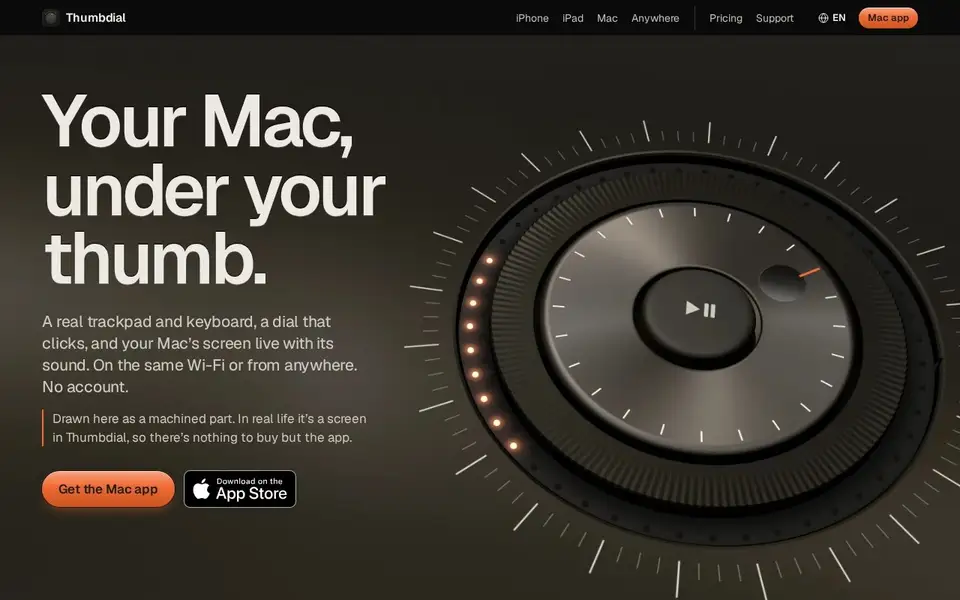
Thumbdial — iPhone as Mac trackpad and haptic jog dial

Your iPhone, iPad or Apple Watch becomes a trackpad, keyboard, haptic jog dial and presenter remote for your Mac — Wi-Fi, USB or encrypted relay.

For Mac users who present, edit video or control their Mac remotely — from the couch, the stage or another city.

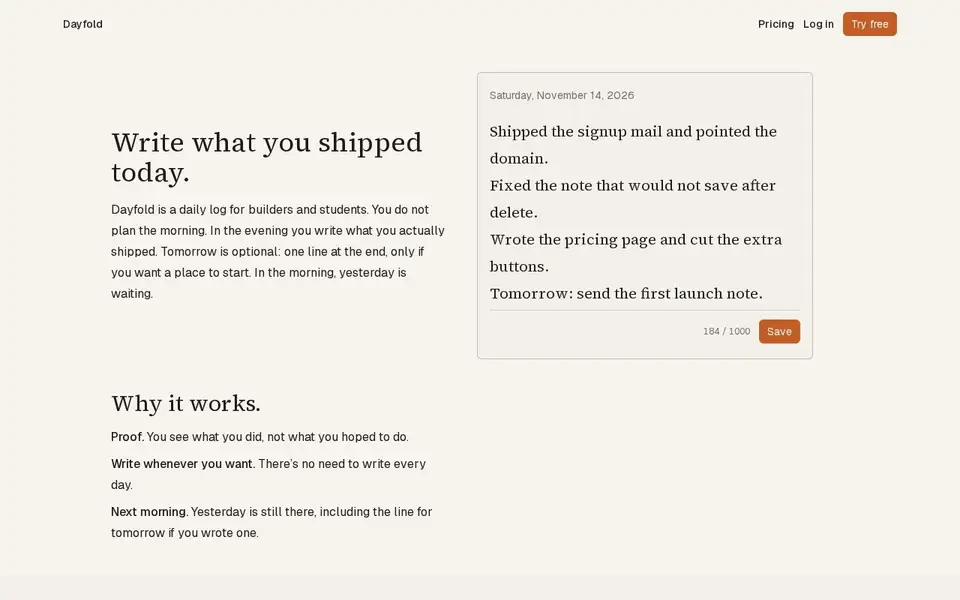
Dayfold — daily ship log with one note a day

A one-note-a-day ship log for builders: write what you actually shipped each evening, with a 14-note free history and a $4 full-history plan.

For Builders and students who want a private, honest record of daily progress rather than a to-do list.

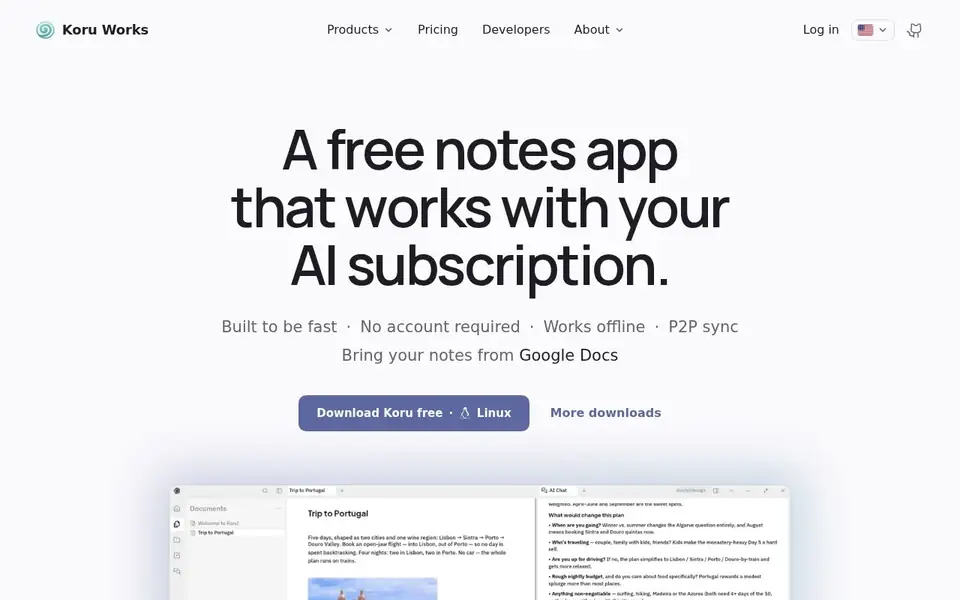
Koru — offline private AI workspace with notes, files and peer-to-peer sync

A free offline-first workspace where notes, files and AI bots work on your device in a local database, syncing peer to peer.

For People who want notes, files and AI assistance without their data leaving the device, on Windows, macOS or Linux, and who may self-host.

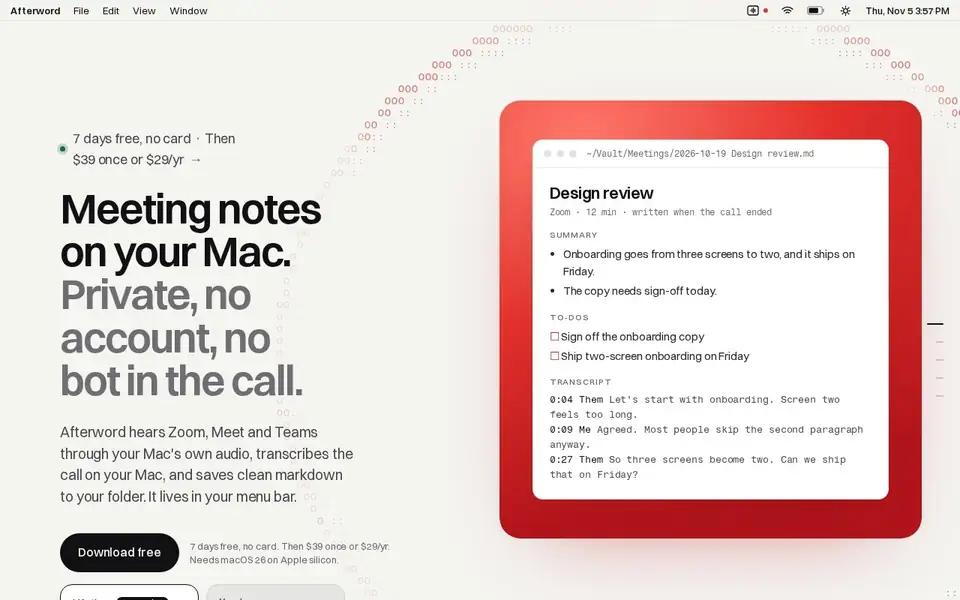
Afterword — Mac meeting notes with no bot and on-device transcription

Writes meeting notes for Zoom, Meet and Teams entirely on your Mac, with no bot joining the call, saved as Markdown.

For Mac users who take Zoom, Meet or Teams calls from their laptop and want notes and action items without a recording bot in the meeting.